







MADE FOR YOUR USERS
Build the conversation around a specific task, with the right context in view.
Food delivery
Give customers and couriers a conversation tied to the active order so they can resolve arrival details.
Grocery orders
Let a shopper share a photo and ask a question while your order system confirms the final choice.
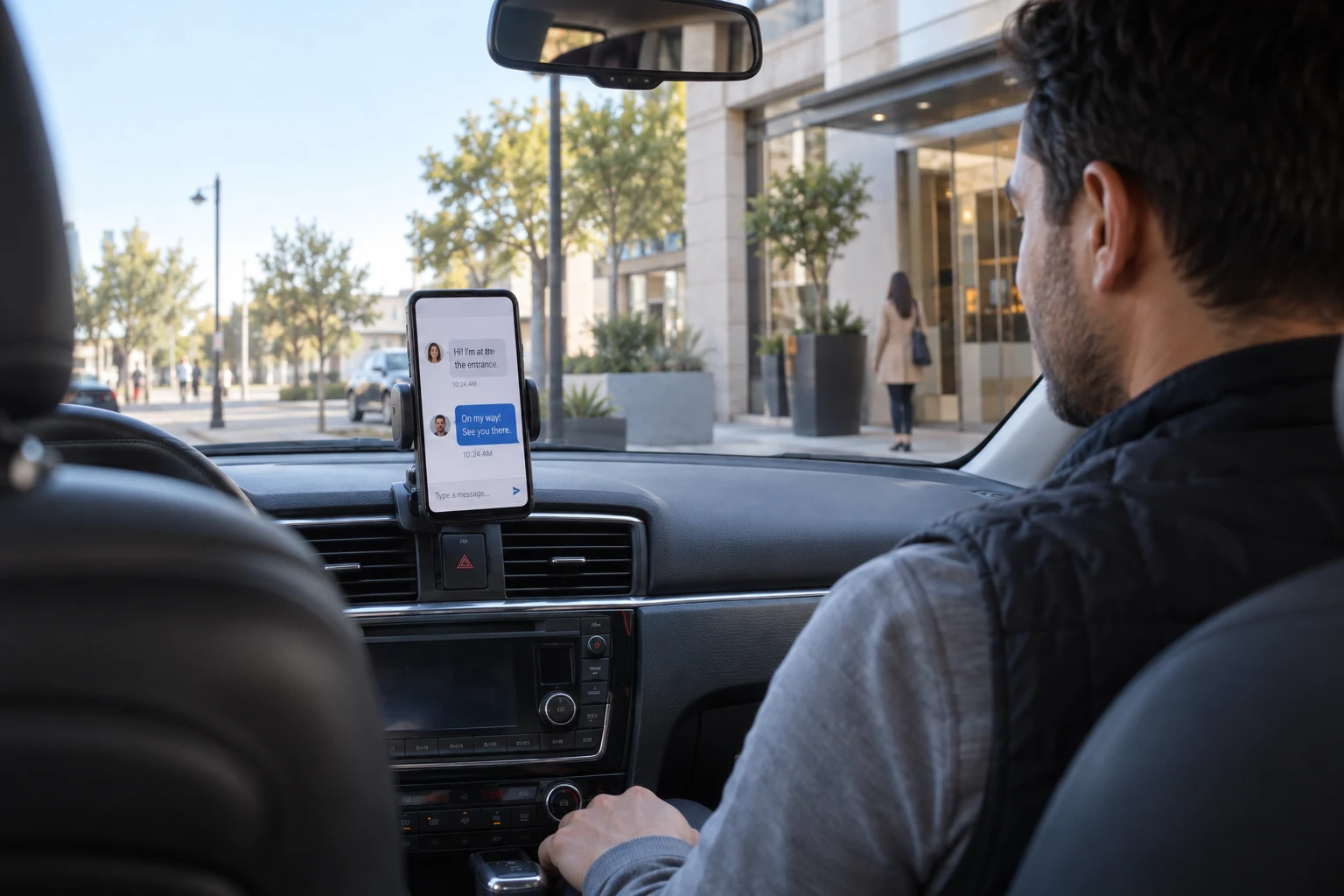
Ride pickup
Connect a rider and driver around the pickup, with mapping and ride state supplied by your platform.
Home services
Let a service professional clarify access before the visit. Your scheduling system supplies the booking status.
CUSTOMER SUCCESS STORY
CHOOSE WITH CONFIDENCE
See how messaging fits your product and what your application connects.
| Your requirement | How it is delivered | What to plan for |
|---|---|---|
| Customer and provider messages | One-to-one or group conversations | Your dispatch system determines participants. |
| Order and location references | Custom, image and supported location messages | Maps, routes, ETA and order state come from your services. |
| Offline replies | Mobile push integration | Configure credentials and test device notification behavior. |
| Completion and reassignment | Backend events and access controls | Define access changes, retention and support escalation. |
| Payments and dispatch | Connect existing business systems | Chat does not schedule drivers or settle orders. |
THREE STEPS TO YOUR FIRST CONVERSATION
Start with one working conversation, then connect the rules and records your product needs.
BUDGET BEFORE YOU BUILD
Choose a Chat plan around your messaging users, required features and expected usage.
CHAT FREE PLAN
Start with the free Chat plan. Monthly usage renews automatically; review feature limits and upgrade requirements as your audience grows.
CHAT STANDARD
For core messaging and group chat. Compare plans for advanced features such as read receipts, translation and community capabilities.
YOUR APPLICATION
Estimate messaging MAU, history and usage. Include the work to connect your business systems and any optional additional services.
Delivery chat connects the people involved in an order so they can clarify pickup and handoff details inside the app. Tencent RTC provides messaging while your platform manages fulfilment.
Yes. Pass an order reference through your application and use custom messages to display its context. Fetch current order state from your own backend.
Routing, live tracking and ETA come from your mapping and dispatch services. You can share their context through supported message types and your own message cards.
Your backend must update authorization and any group membership. Test how the old and new participants access messages, including history retained for support.
Configure offline push for your mobile platforms and test device permissions, credentials and deep links. Delivery depends on the mobile notification environment as well as your setup.
Authorize the customer and courier through your backend, bind the conversation to the order and display relevant context. Your application decides when access starts and ends.
Represent location using documented message types or your application’s custom payload. Your location service owns tracking, permissions and freshness; messaging carries the context.