







Install Skills
One command. Your agent is ready
Choose your IDE, copy and paste the command, and start building with Tencent RTC.
All IDE
Claude Code
Codex
Cursor
Codebuddy
$ npx -y @tencent-rtc/trtc-agent-skills@latest add --ide allAll IDE
$ npx -y @tencent-rtc/trtc-agent-skills@latest add --ide allClaude Code
Codex
Cursor
Codebuddy
What Skills Can Do
Build real-time Al applications with a unified platform for video, voice, chat, and Al agents
Building & Answering — the two things your agent does
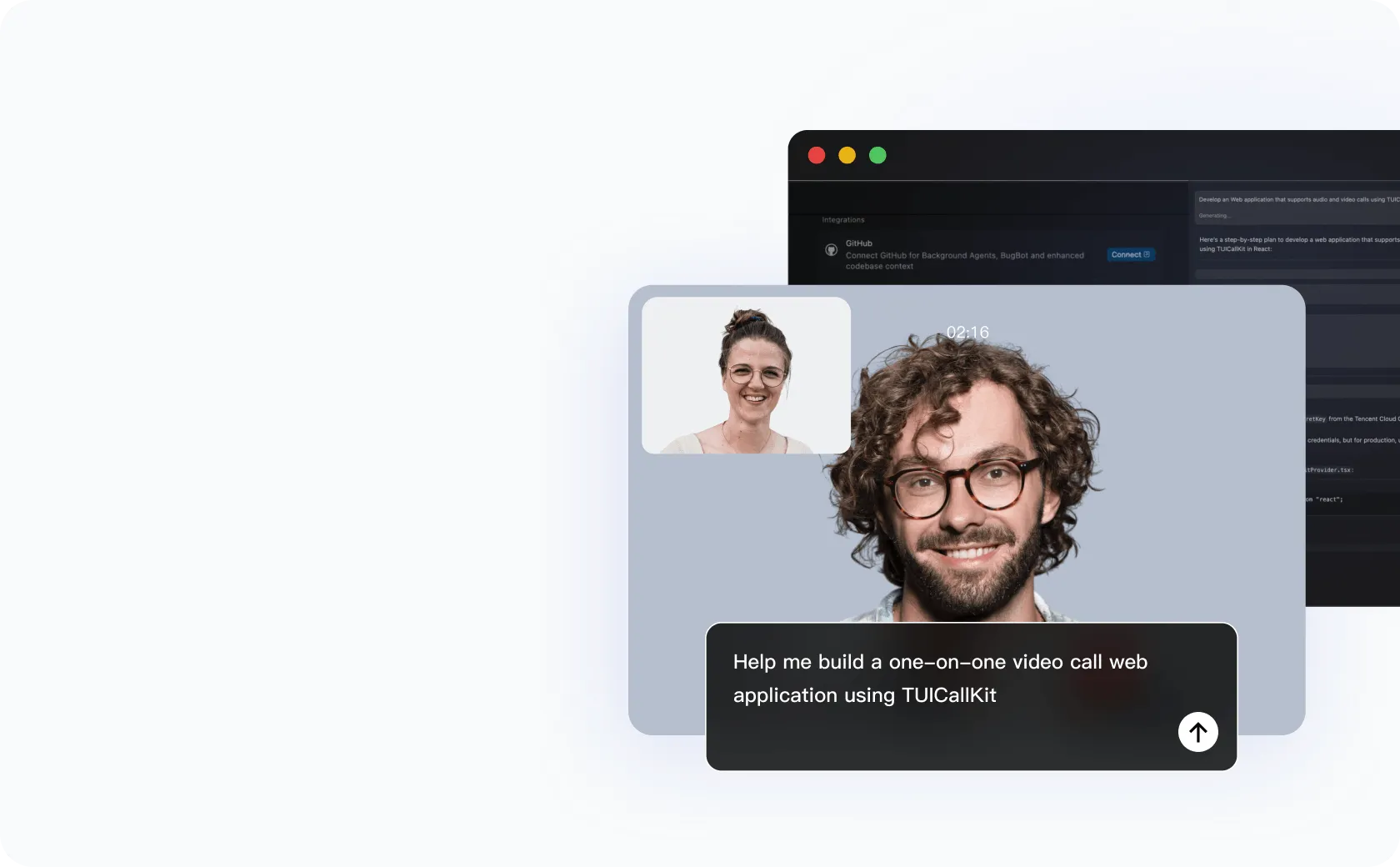
You ask, it builds.
Describe what you need. Get production-ready code, built step by step, errors handled automatically.
Reads your existing project
Selects the right TRTC building blocks
Builds and verifies the result
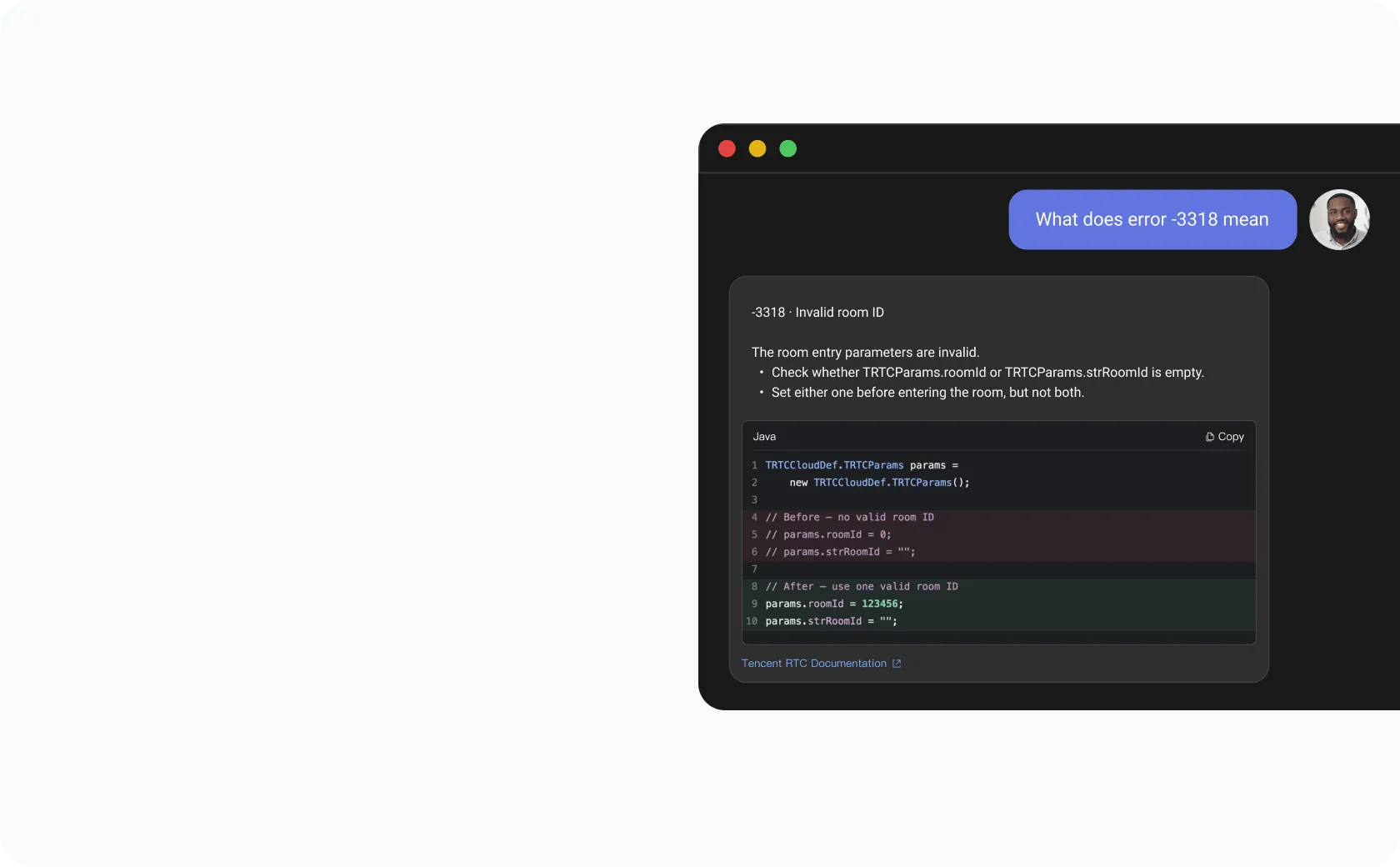
Answers, not docs.
Ask about APIs, errors, pricing, or limits. Get a clear answer grounded in official TRTC sources.
APIs, errors, pricing & limits
Troubleshooting guidance
Official source citations
Scenarios Demo
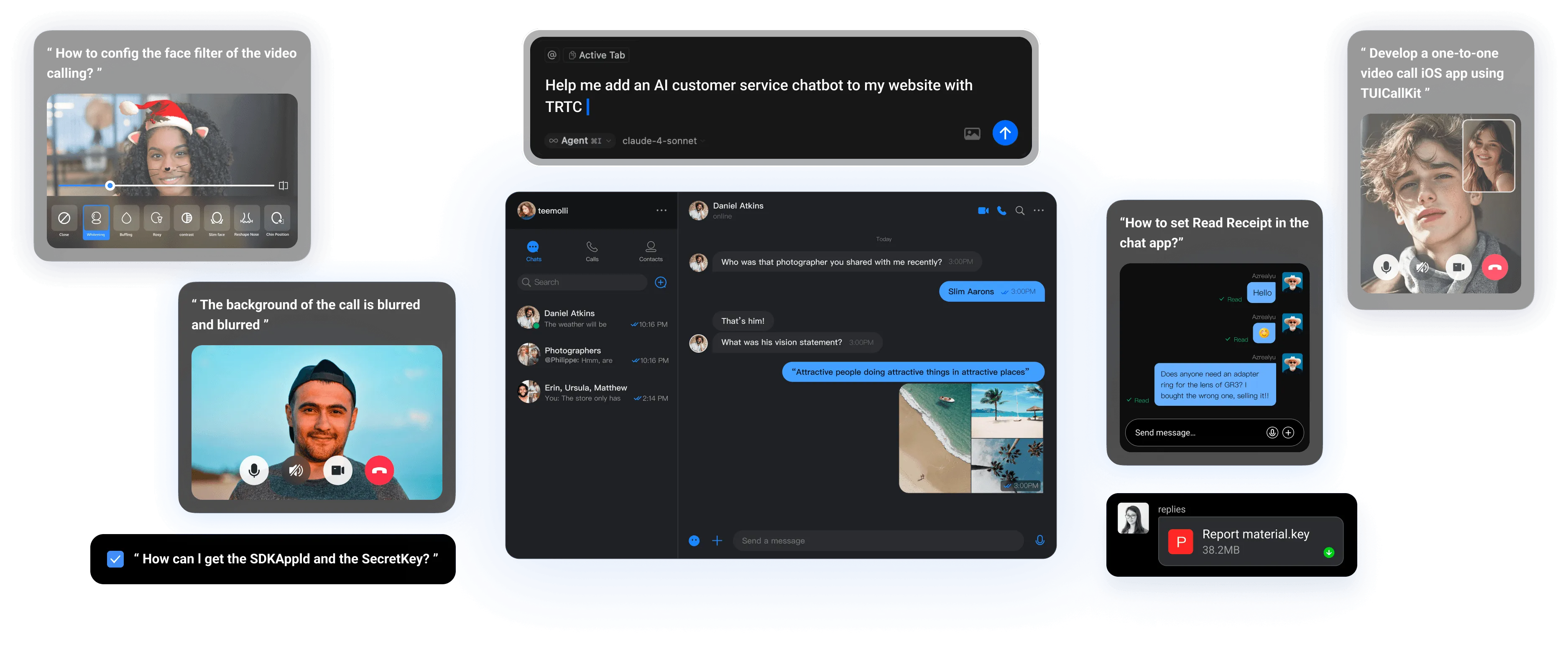
Reference builds, ready to adapt
Explore complete TRTC scenarios—from capability wiring to working implementation—then ask your agent to build your version


Frequently Asked Questions
What is Tencent RTC Agent Skills?
Installable skill packs for AI coding agents — Claude Code, Codex, Cursor, and CodeBuddy. They let your agent scaffold Tencent RTC projects, integrate real-time audio and video into an existing app, and answer TRTC SDK, error-code, and pricing questions from the official knowledge base, all in plain language.
Which AI coding agents are supported?
Claude Code, OpenAI Codex, Cursor, and Tencent CodeBuddy. The skills auto-detect your active IDE on install, so no manual configuration is needed.
Is the skill free to use?
Yes. Tencent RTC Agent Skills are free to install and use. Tencent RTC also gives every developer 10,000 free minutes every month for a full year. See trtc.io/pricing for current quota and plan details.
What can I do with it?
- Build — scaffold a new TRTC project or integrate audio/video into your existing codebase.
- Extend — add AI voice agents, conversational AI, and real-time translation on top.
- Resolve — troubleshoot error codes, look up APIs and pricing, with inline citations.
How long does it take to get started?
About 30 seconds. Run one npx command, and the skill auto-detects your IDE and activates on your next TRTC task. No account required, nothing else to configure.
Where is my session state stored?
In your local project. Tencent RTC Agent Skills don't maintain server-side state, so you can resume a build session days later from the same repo, exactly where you left off.
BENCHMARKS & INFRASTRUCTURE
Tencent RTC SDK: Reliable global messaging network
Built on global acceleration nodes and a high-availability network architecture for low-latency and reliable messaging
1 Billion+
Monthly active users supported
550 Billion+
Daily peak messages
100,000+
Customers worldwide
>99.99%
Message success rate
3,200+
Global CDN nodes
60% packet loss
Weak network resilience
1,000+
Enterprise customers worldwide
15+
international compliance certificates