




PRESENT. DISCUSS. CONNECT.

Build Webinar Software Around Your Presenters and Audience

Build webinar software with live video and audience conversation. Connect Tencent RTC to the registration, access and follow-up workflows in your own platform.

PRESENTERS WHO CAN WORK TOGETHER

Bring Your Experts into One Session.

Build webinar software that brings your experts into one live session. Use Live for a broadcast-led experience, or Room components when active presenter collaboration is central.

MAKE THE CONTENT EASY TO FOLLOW

Put the Demonstration in the Spotlight.

Use supported screen sharing to show demonstrations in your webinar software. Choose the capture or sharing workflow that fits your platform and content.

QUESTIONS WITHOUT INTERRUPTION

Let Attendees Ask While the Session Continues.

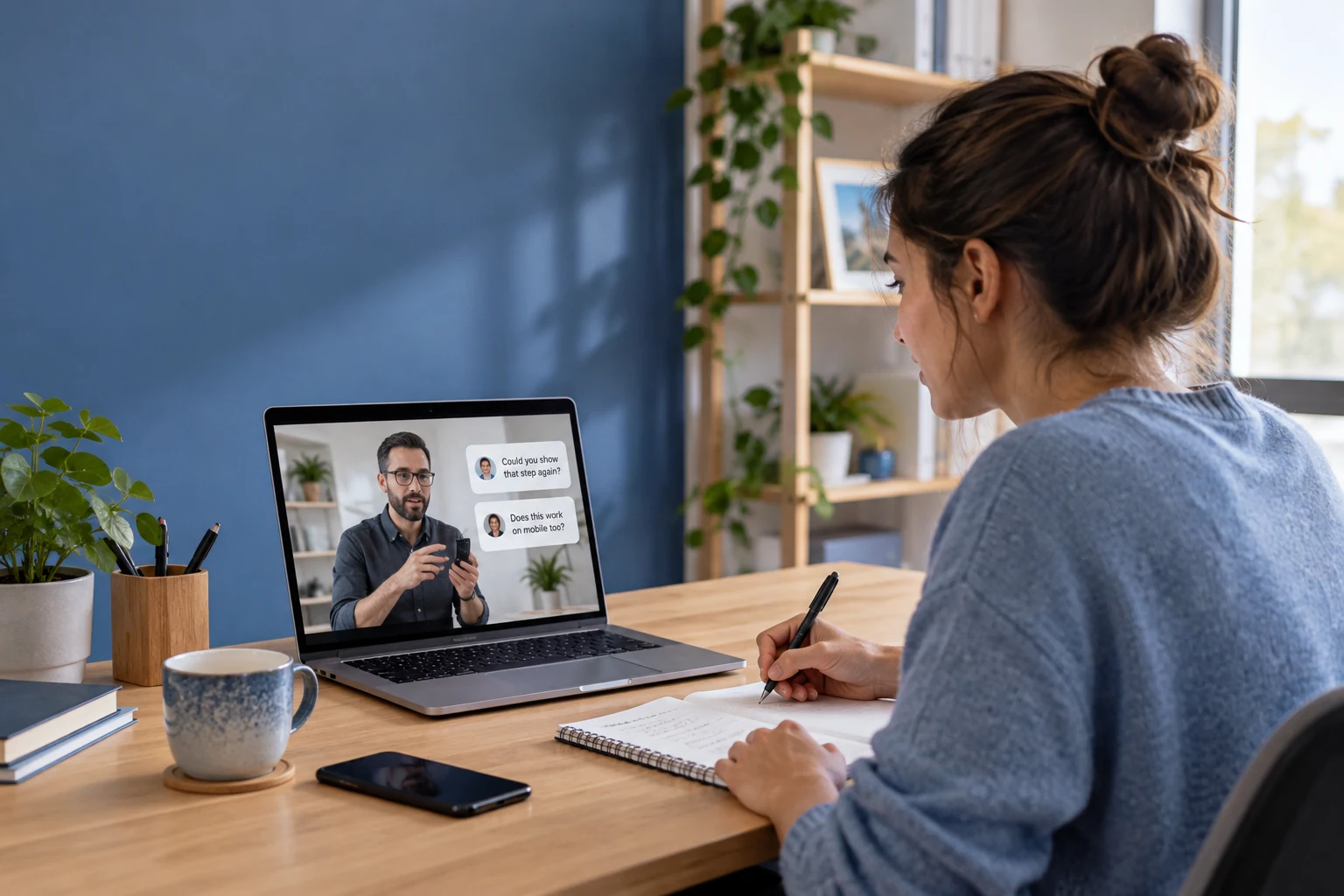
Let attendees ask questions alongside video in your webinar software. Add selection and answered states in your application so the host can pick up the right question without losing the flow.

A HOST WHO CAN KEEP THINGS MOVING

Make Moderation Part of the Experience.

Plan moderation as part of your webinar software integration. Assign who handles guest entry, disruptive participation and questions sent to the presenter.

MADE FOR YOUR AUDIENCE

Use Cases for webinar software

Start with what your audience needs to see, learn or ask.

Product demos

Show the Product. Answer the Detail.

Demonstrate how something works and respond to the questions that come up while attendees are watching.

RELATED CUSTOMER STORY

Online Training and Events with POLYV

POLYV helps enterprises run live training, marketing and company events. Its partnership with Tencent Cloud combines TRTC, Cloud Streaming Services, CDN and other cloud services.

Related webinar case: enterprise training and presentations share the same need to reach remote audiences. The published deployment uses a combined video-cloud solution.

Read the POLYV story

CHOOSE WITH CONFIDENCE

Plan your webinar software integration

See what the live components provide and where your application connects.

Capabilities and implementation requirements
Your requirementHow it is deliveredWhat to plan for
Broadcast-led webinarsLive host, guest and audience componentsChoose Live for presenter-led sessions; check host and viewer limits by plan and platform.
Collaborative presentationsRoom components where neededScreen sharing and collaboration vary by product and client. Room is priced separately.
Managed attendee Q&ALive conversation plus application statesBuild question approval, upvotes and answered status to fit your webinar format.
Registration, reminders and CRMYour existing marketing workflowConnect attendee identity and consented follow-up through your application.
Recordings and on-demand accessRecording and replay servicesConfigure capture, publishing permissions and delivery; budget for the services used.

FROM SETUP TO YOUR FIRST SESSION

Integrate webinar software

Choose the session format, connect attendee entry and test the presentation and replay journey.

  1. 01

    Choose the presenter experience

    Use Live for a broadcast format or Room for collaborative presentations. Test the sharing workflow on your target platform.

    Web Room presentation guide
  2. 02

    Connect attendee registration

    Map registered attendees to your session access. Let your existing systems handle confirmation, reminders and follow-up.

    iOS Live UI Kit guide
  3. 03

    Rehearse live and on-demand viewing

    Test joining, questions and host handoffs. If you need replay, configure recording and its publishing permissions.

    Explore the Live Core SDK

BUDGET BEFORE YOU BUILD

Webinar software Costs & Free Quota

Budget for your webinar software integration. Price the Live components and any Room, recording or marketing services you choose.

TEST THE LIVE COMPONENTS

Free$0 · 10,000 minutes monthly in the first year

Account-level quota for your first year; usage deduction rules apply. Live trial limits include 100 MAU and 100 viewers per room. Service pauses when trial resources run out.

Check Live trial terms

LIVE STARTER PLAN

$39.90 USD / first month · 93% off

50,000 package minutes and 1,000 MAU. First-month promotional price; review current eligibility and renewal terms. Additional products and services are priced separately.

View Starter offer

YOUR APPLICATION

Contact us

Include Live usage, separate Room usage for collaboration, and any recording or replay delivery. Registration, CRM integration and application development also contribute to the total.

Contact us

SEE THE PRODUCT IN ACTION

Explore the Live Side of Your Webinar

TRY THE INTERACTION

Experience It from Both Sides.

Explore host video, guest interaction and public chat in the Live demo. Review Room separately for collaborative presentation features, then connect your registration workflow.

Explore Live demo

YOUR QUESTIONS, ANSWERED

Webinar software FAQs

Discuss your project

Is Tencent RTC ready-made webinar software?

Tencent RTC provides SDKs and UI Kits for building webinars into your own product. Your application supplies the event pages, registration, reminders, access rules and follow-up workflows around the live session.

Should I build webinar software with Live or Room?

Use Live when a small presenter group broadcasts to an audience with conversation alongside. Explore Room when interactive presenter collaboration or meeting-style sharing is central. Confirm platform features and pricing for the product combination you select.

Can webinar software include screen sharing and demonstrations?

Choose a supported screen-sharing or capture workflow for your selected product and platform. Room provides collaboration components; a Live broadcast can also carry a suitable presentation feed. Test text clarity, audio and presenter layout with real viewers.

Can I connect my registration and CRM tools?

Yes, through your application. Map attendee registration to room entry and send appropriate session information to your existing systems with the required consent. Live components do not automatically include a full marketing automation integration.

Can attendees view the webinar later?

Yes, after you configure recording and publish it through a replay workflow. Decide which attendees can watch, how long it remains available and what follow-up content appears alongside. Recording, storage and playback are additional services.

How do I add webinar software to a registration workflow?

Your event application collects registration and authorizes entry. Connect presenters and viewers to the supported live experience, then build your own agenda and follow-up flow.

Can webinar software provide polls and attendee analytics?

Check the documented interaction and reporting capabilities for your integration. Build additional poll logic and conversion reporting in your event application rather than assuming a complete webinar suite.

YOUR AUDIENCE IS WAITING

Start Building with webinar software