









MADE FOR YOUR AUDIENCE
Make the format fit the update, from a company-wide broadcast to an internal product briefing.
Town halls
Share company priorities and hear employee questions in the same live session, across offices and remote workplaces.
Leadership interviews
Host a focused conversation with leadership and bring employee questions into the interview at the right moment.
Product briefings
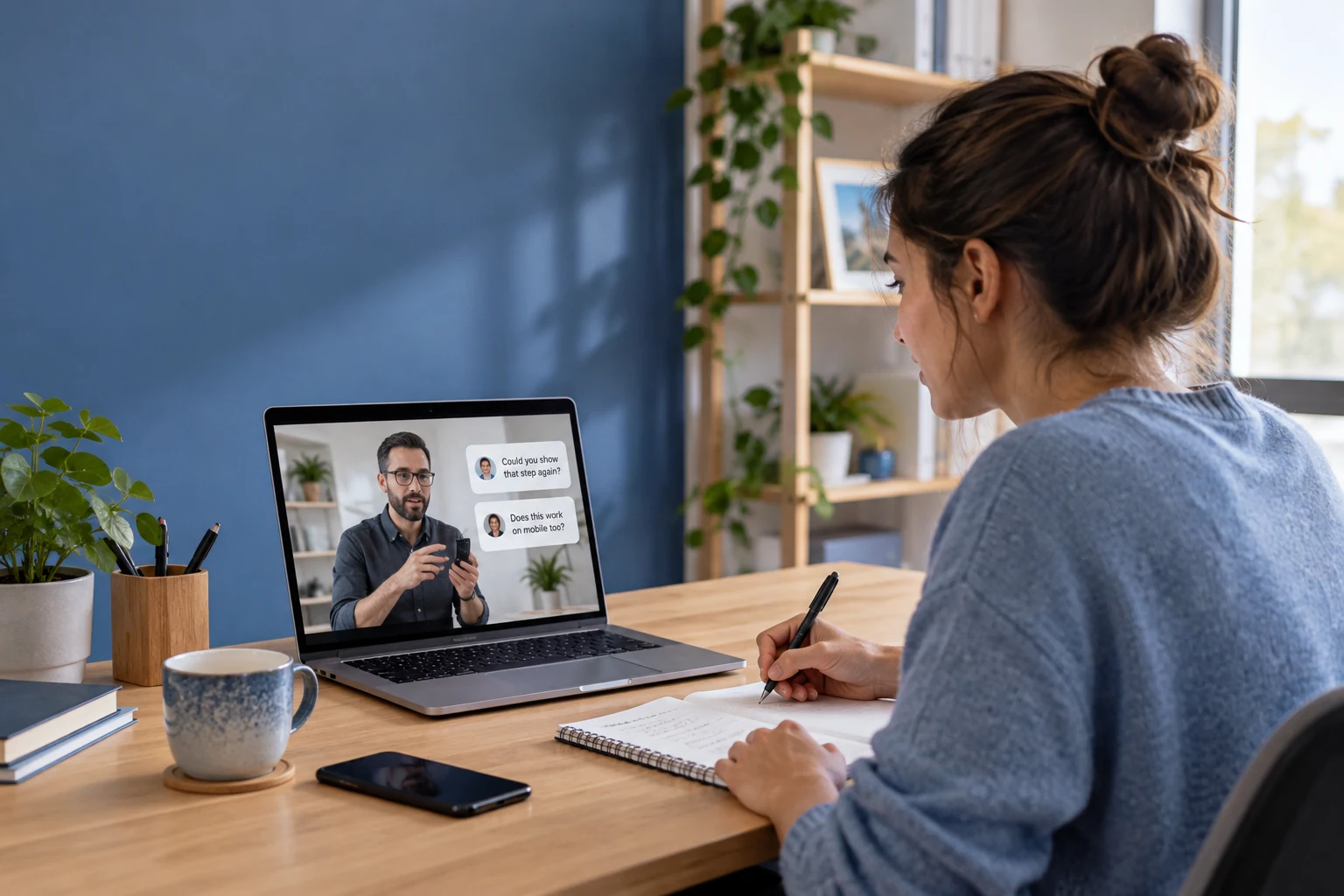
Demonstrate a product or internal release live. Let employees ask for details while the presenter has the product in front of them.
Recognition events
Bring colleagues together for team milestones and recognition, with a live viewing experience and simple audience reactions.
CHOOSE WITH CONFIDENCE
See what the live components provide and where your application connects.
| Your requirement | How it is delivered | What to plan for |
|---|---|---|
| Town halls and remote presenters | Live broadcast and guest interaction | Choose host and audience limits appropriate to your plan and target clients. |
| Employee-only viewing | Your identity and room authorization | Authenticate employees before granting entry. Define what happens when access is revoked. |
| Moderated or anonymous questions | Your Q&A workflow with live messages | Your application controls anonymity, approval and the question queue. |
| Internal recordings | Cloud recording plus your content library | Apply replay permissions and retention policies as well as live access rules. |
| Office and home networks | RTC network adaptation plus your validation | Test firewalls, devices and recovery paths using your actual employee network conditions. |
FROM SETUP TO YOUR FIRST SESSION
Connect a presenter, add employee entry and test the viewing journey across your organization.
BUDGET BEFORE YOU BUILD
Budget for your corporate live streaming integration. Estimate the number of employee viewers, session lengths and additional media services.
TEST THE LIVE COMPONENTS
Account-level quota for your first year; usage deduction rules apply. Live trial limits include 100 MAU and 100 viewers per room. Service pauses when trial resources run out.
LIVE STARTER PLAN
50,000 package minutes and 1,000 MAU. First-month promotional price; review current eligibility and renewal terms. Additional products and services are priced separately.
YOUR APPLICATION
Budget for the Live plan, audience minutes, MAU and optional recording. Employee identity integration, internal content hosting and application development remain part of your implementation.
Corporate live streaming brings town halls, leadership updates and internal events to employees across locations. Tencent RTC provides live video and interaction components for embedding these broadcasts in an employee app or workplace platform.
Your application can authenticate employees and check session permissions before granting room access. Integrate your identity provider and define access revocation behavior. Replay permissions also need to be managed in your internal content system.
Your existing identity and employee directory services remain the source of truth. Connect their eligibility checks to the live session through your application; do not assume a Live UI Kit automatically enforces your corporate access policies.
You can build those options in your Q&A workflow. Live messages carry the conversation, while your application decides whether names are displayed, which questions are approved and how answered states are recorded.
Yes, by configuring recording and publishing the output in your controlled content workflow. Decide who can view each replay and how long it is retained. Recording, storage and delivery have separate usage considerations.
Authenticate employees in your app and configure the supported publishing and viewing flow. Your identity system owns employee eligibility and event access.
Connect audience questions to your moderation workflow and choose how speakers receive approved topics. Plan any recording separately with the required service and access rules.