









MADE FOR YOUR AUDIENCE
Shape the room around the people and the conversation you want to bring together.
Book clubs
Let a host lead the discussion, invite another reader onto a mic and keep questions open to listeners in the room.
Language exchange
Give members an easy way to listen, request a turn and practice speaking. Hosts can guide the discussion and manage the available seats.
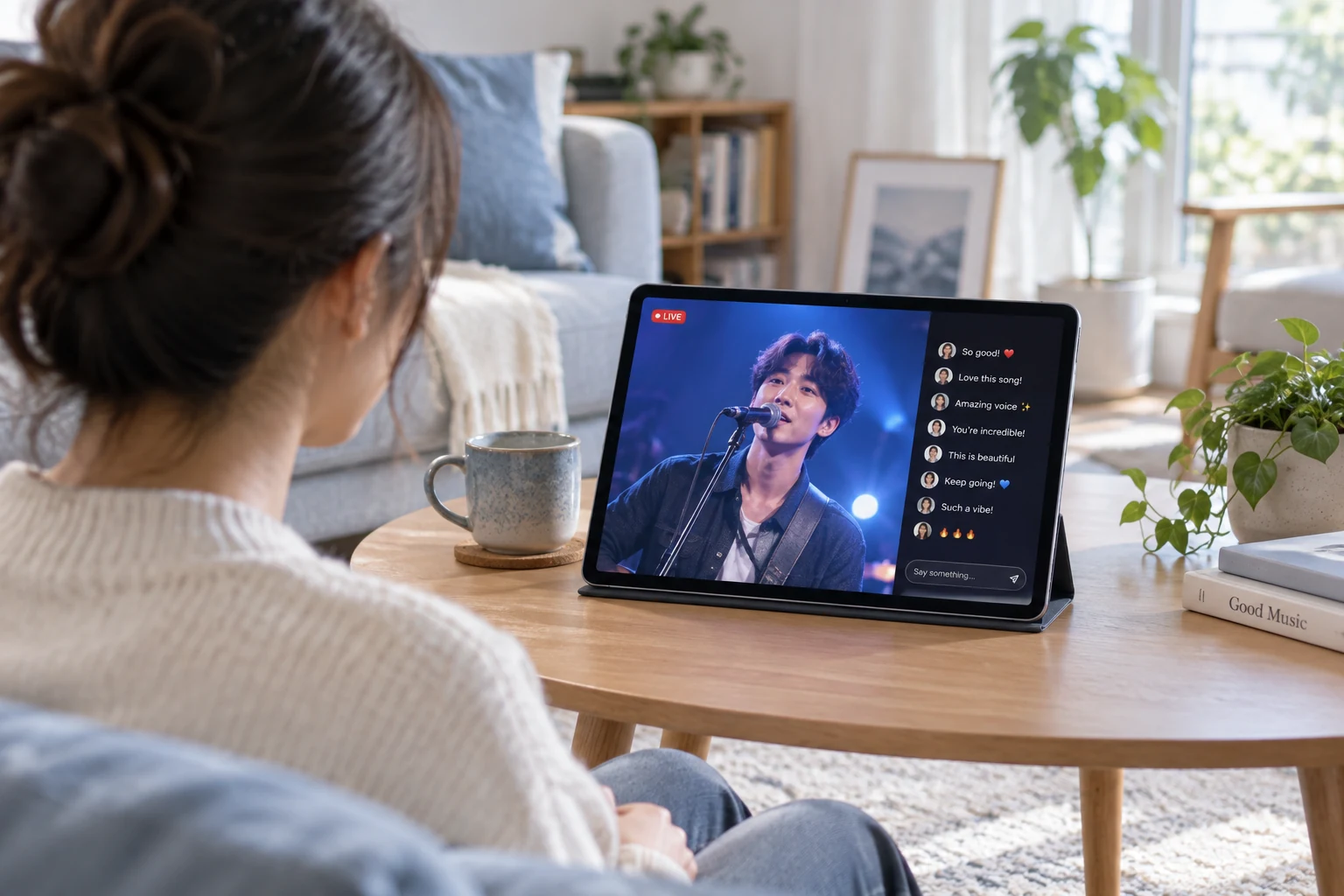
Music hangouts
Host a music conversation or an appropriate live performance format, with public reactions and optional gifts connected to your app.
Creator Q&A
Let listeners submit questions or request a mic. Give the host control of speaker turns while the rest of the room follows along.
CHOOSE WITH CONFIDENCE
See what the live components provide and where your application connects.
| Your requirement | How it is delivered | What to plan for |
|---|---|---|
| Speaker seats and mic requests | Voice Room components | Use the mic controls supported by your target platform and chosen plan. |
| Public conversation | Room comments and audience interaction | Connect reporting and community enforcement to your application workflow. |
| Gifts and effects | Gift messages and supported effect players | Your app manages virtual goods, balances, purchases and any additional effect licensing. |
| Room discovery and entry | Room list plus your community data | Connect topics, covers, membership and entry permissions to your product. |
| Room moderation | Supported host and audience controls | Assign host roles and define mute, reporting and review policies for your community. |
FROM SETUP TO YOUR FIRST SESSION
Start with the Voice Room component, connect speaker management and make the room easy to discover.
BUDGET BEFORE YOU BUILD
Budget for your voice chat room SDK integration. Plan for the Live subscription, audio usage and the community services around it.
TEST THE LIVE COMPONENTS
Account-level quota for your first year; usage deduction rules apply. Live trial limits include 100 MAU and 100 viewers per room. Service pauses when trial resources run out.
LIVE STARTER PLAN
50,000 package minutes and 1,000 MAU. First-month promotional price; review current eligibility and renewal terms.
YOUR APPLICATION
Estimate audio minutes and MAU using the plan’s deduction rules. Add your app development, gift economy, moderation operations and any optional paid effect or recording services.
A voice chat room SDK provides communication components for building shared audio spaces inside an application. Tencent RTC’s Voice Room components support hosts, speaker seats, listeners and live interaction, while your app supplies identity, discovery and community rules.
Yes. Supported Voice Room components let listeners request a microphone seat and let hosts manage participation. Confirm the available seat and control features for each platform you plan to support.
Yes. Public text comments let listeners ask questions and react without taking a speaker seat. Give hosts an easy way to follow those comments as they guide the audio conversation.
Gift messages and supported visual effects can be part of the room experience. Your application manages gift ownership, balances, purchases and settlement. Check whether the effect format or player you choose requires additional licensing.
Start with the official Voice Room integration guide for the client you are building, such as iOS or Android. The broader Live SDK and UI Kit platform lists do not guarantee identical Voice Room features on every client; verify the component requirements before planning another platform.
Configure the supported host, speaker and listener experience. Connect your app’s room access and moderation rules, and test microphone permissions and speaker changes.
Use documented speaker controls and state with your own request workflow. The application decides who may speak and how requests are ordered or approved.