








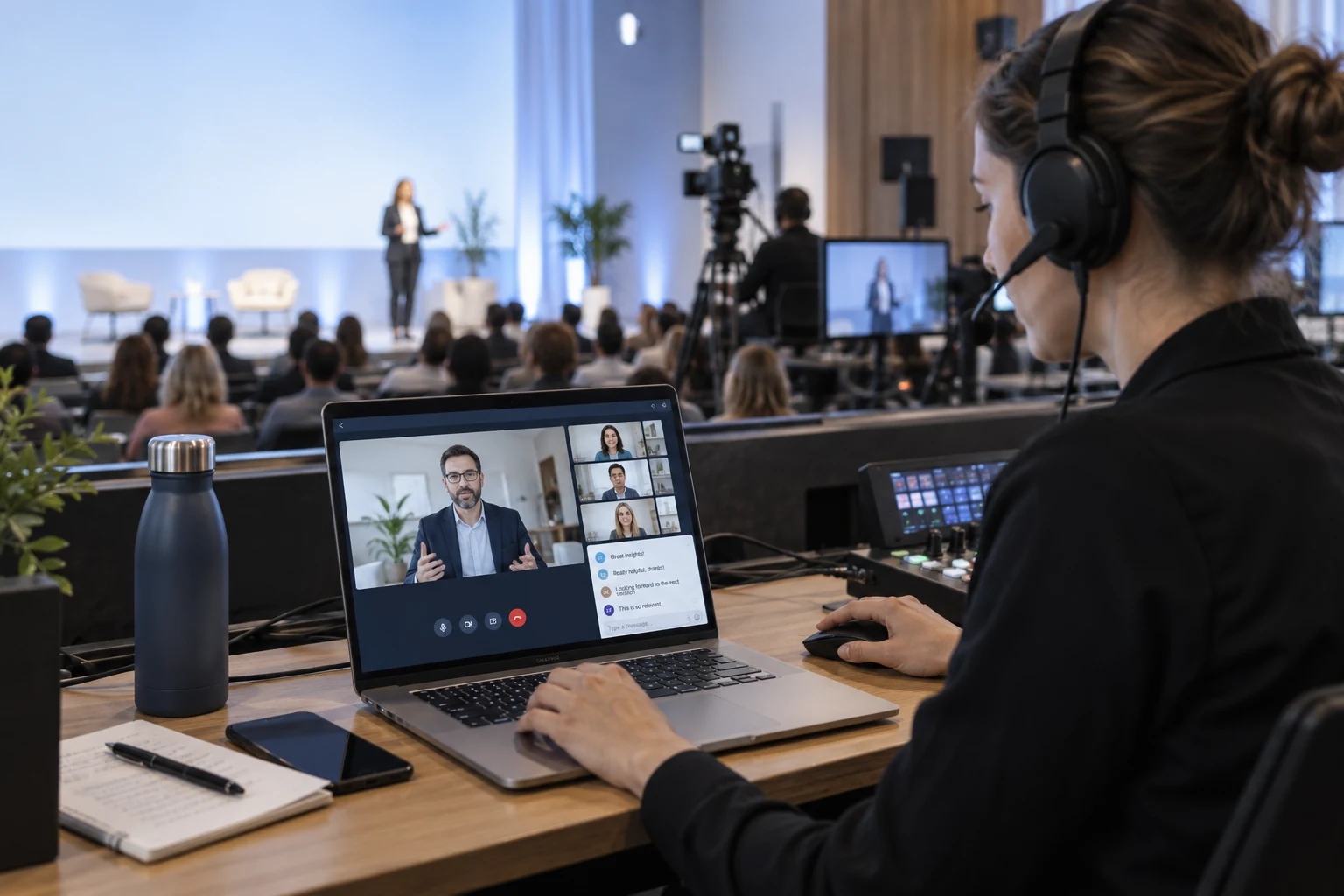

MADE FOR YOUR AUDIENCE
Adapt the viewing and participation experience to the way your event works.
Conferences
Stream the main stage, welcome remote experts and let online attendees send questions as the session unfolds.
Exhibitions
Let an exhibitor demonstrate a product live and respond to questions from visitors watching through your event platform.
Panel discussions
Combine an onsite panel with a remote guest, then invite questions from both audiences. Keep the stage discussion easy to follow.
Workshops
Share a hands-on demonstration with the venue and online viewers. Let remote attendees ask for a closer look or a repeated step.
CHOOSE WITH CONFIDENCE
See what the live components provide and where your application connects.
| Your requirement | How it is delivered | What to plan for |
|---|---|---|
| Venue video and audio | Live or an RTMP production feed | Rehearse camera capture and a separate broadcast audio mix with your venue equipment. |
| Remote speakers | Supported live guest interaction | Coordinate the stage return feed and avoid echo between room speakers and remote microphones. |
| Questions from both audiences | Live messages plus your moderation workflow | Your app merges onsite questions and online submissions, with the approval states you need. |
| Event registration | Your event platform and room access | Map attendee permissions to sessions; ticketing and badge management stay in your platform. |
| Recordings | Optional cloud recording and replay delivery | Choose permissions and retention for each session, and budget for recording and playback usage. |
FROM SETUP TO YOUR FIRST SESSION
Start with the broadcast feed, add attendee access and rehearse both sides of the conversation.
BUDGET BEFORE YOU BUILD
Budget for your hybrid event streaming integration. Include venue production and remote audience usage in the same budget.
TEST THE LIVE COMPONENTS
Account-level quota for your first year; usage deduction rules apply. Live trial limits include 100 MAU and 100 viewers per room. Service pauses when trial resources run out.
LIVE STARTER PLAN
50,000 package minutes and 1,000 MAU. First-month promotional price; review current eligibility and renewal terms. Additional products and services are priced separately.
YOUR APPLICATION
Allow for the Live plan, audience minutes, MAU and optional recording or distribution. Venue AV equipment, production staff and event-platform development remain separate.
Hybrid event streaming connects a physical event with an online audience. A useful hybrid experience gives remote attendees a clear stage feed and a way to participate. Tencent RTC supplies the live communication components for embedding those interactions in your event platform.
Yes, through supported guest interaction. Rehearse the remote microphone, camera and stage return feed together. The event production setup must prevent echo and make sure both onsite and online audiences can hear the conversation.
Ticketing, registration, badges and event schedules belong to your event platform. Connect attendee identity and session permissions to room access so viewers enter the correct live session.
Let online attendees submit through live chat and collect onsite questions through your chosen workflow. Your application can combine, label and approve questions before the moderator brings them into the discussion.
Configure recording for the sessions you need, then publish the results through your replay workflow. Set viewing permissions, retention and delivery for each recording. Confirm the additional recording and storage costs before the event.
Feed the stage camera and audio into the supported publishing setup. Plan remote guest participation and check sound feedback, venue uplink and the online audience view.
Give online attendees a clear question channel and let your event team moderate it. Coordinate stage responses in your app; the streaming layer does not run the event agenda.