



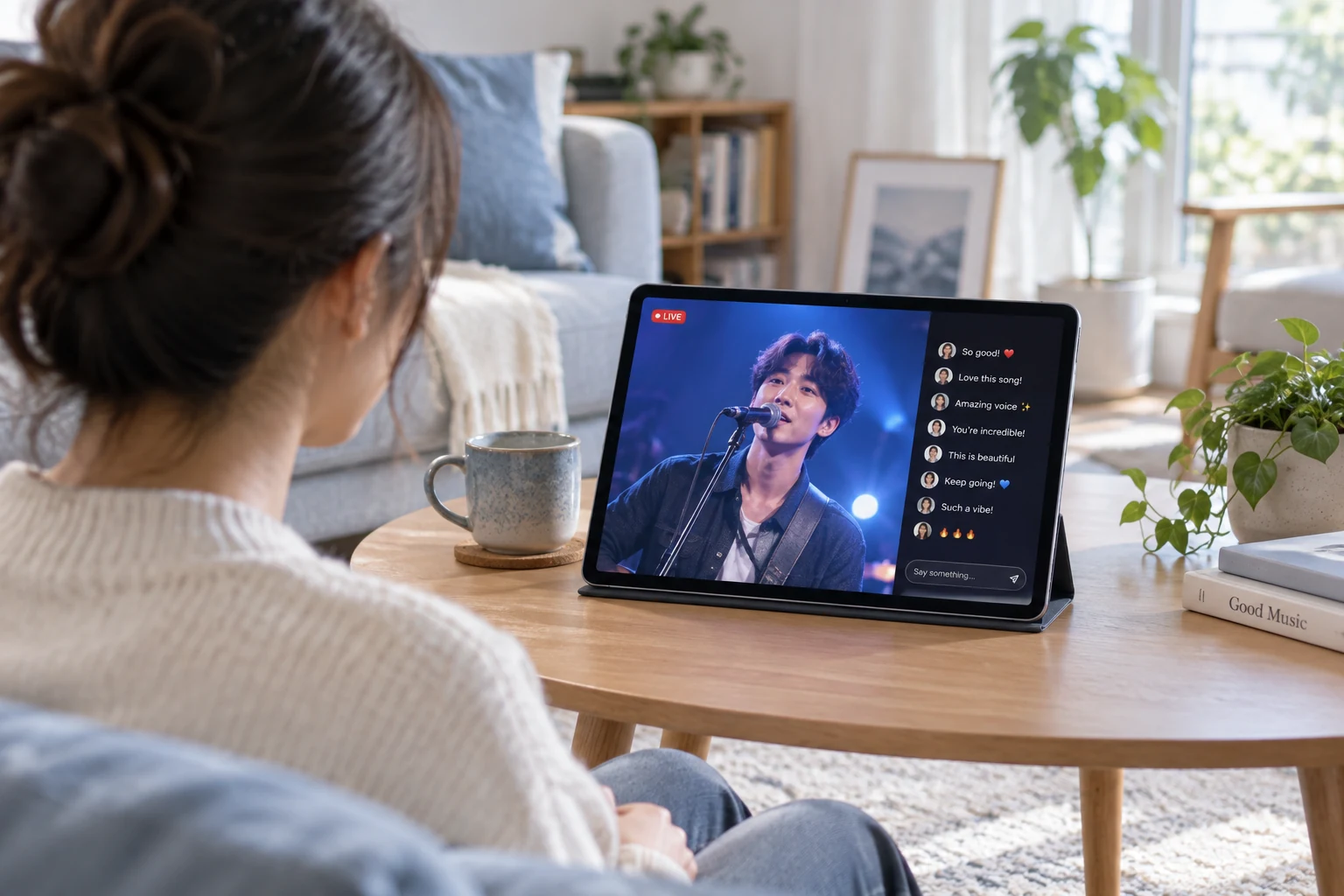

WATCH TOGETHER. TALK TOGETHER.

Build a Watch Party App That Makes Viewing Social

Build a watch party app with live chat and audience reactions powered by Tencent RTC. Your application provides authorized video content and manages shared playback.

A ROOM FOR THE SAME MOMENT

Bring Friends into a Shared Viewing Room

Give friends a clear place to watch together in your watch party app. Show the content, viewing state and room entry clearly so people know what they are joining.

CONVERSATION BESIDE THE CONTENT

Keep the Conversation Close to the Action.

Keep chat close to the video in your watch party app. Add voice or guest interaction when your format needs more than text.

REACTIONS THAT FEEL SHARED

Let the Room React to the Moment.

Add shared reactions to your watch party app. Keep reactions light enough that they add to the experience without covering the program.

PLAYBACK THAT FOLLOWS THE GROUP

Put Shared Playback in Your App’s Control.

Manage shared playback in your watch party app’s own application logic. Let the host guide the viewing position and help late arrivals catch up with the group.

MADE FOR YOUR AUDIENCE

Use Cases for watch party app

Choose a viewing format that fits your content and the community around it.

Documentaries

Share the Things You Notice.

Let viewers explore a documentary together and keep a conversation beside the film. Use your player integration to manage group playback.

RELATED CUSTOMER STORY

Shared Live Experiences with JOOX

JOOX combines live concerts and music events with chat rooms and audience interaction, using Tencent Cloud’s streaming and real-time communication services.

Related shared-viewing case: fans interact around live content. Synchronized third-party playback and content rights require separate application support.

Read the JOOX story

CHOOSE WITH CONFIDENCE

Plan your watch party app integration

See what the live components provide and where your application connects.

Capabilities and implementation requirements
Your requirementHow it is deliveredWhat to plan for
Room chat and live interactionTencent RTC communication componentsChoose text, voice and guest interaction for the format you are building.
Play, pause and seek togetherYour player integration and session stateDefine an authoritative playback state, drift correction and late-join behavior.
Licensed contentYour authorized video sourceTencent RTC does not supply film libraries or permission to rebroadcast subscription services.
Invitations and membershipsYour access and entitlement servicesCheck both room membership and each viewer’s right to play the content.
An authorized live feedCompatible production input and live deliveryTest feed delay, commentary timing and reconnection; optional media services can add costs.

FROM SETUP TO YOUR FIRST SESSION

Integrate watch party app

Use a watch party SDK foundation for interaction, then connect your player and room access.

  1. 01

    Create the social room

    Integrate Live components for participants and conversation. Connect the room topic, host and invitation flow.

    iOS Live UI Kit guide
  2. 02

    Connect playback state

    Implement shared controls in your player. Define how the host, late arrivals and reconnecting viewers follow the current position.

    Review authorized feed integration
  3. 03

    Test joining and recovery

    Rehearse buffering and interrupted connections on different devices. Restore the player state as well as the social room.

    Explore room and participant controls

BUDGET BEFORE YOU BUILD

Watch party app Costs & Free Quota

Budget for your watch party app integration. Plan for communication usage, your video source and shared-playback development.

TEST THE LIVE COMPONENTS

Free$0 · 10,000 minutes monthly in the first year

Account-level quota for your first year; usage deduction rules apply. Live trial limits include 100 MAU and 100 viewers per room. Service pauses when trial resources run out.

Check Live trial terms

LIVE STARTER PLAN

$39.90 USD / first month · 93% off

50,000 package minutes and 1,000 MAU. First-month promotional price; review current eligibility and renewal terms. Additional products and services are priced separately.

View Starter offer

YOUR APPLICATION

Contact us

Include the Live plan, minutes and MAU plus your player, content licensing and delivery. Shared playback, membership checks and any additional Chat or Room services are separate implementation costs.

Contact us

SEE THE PRODUCT IN ACTION

Try the Social Side of Shared Viewing

TRY THE INTERACTION

Experience It from Both Sides.

Explore the broadcast and public chat in the Live demo. Implement shared playback and content access with your own authorized source, player and application.

Explore Live demo

YOUR QUESTIONS, ANSWERED

Watch party app FAQs

Discuss your project

Is this a watch party app people can join immediately?

This is a solution for teams building their own watch party app. Tencent RTC provides communication components; your application supplies room discovery, invitations, video access and shared-player behavior.

Does the watch party app synchronize playback automatically?

No. Your application must connect play, pause and seek events to an authoritative playback state and correct drift between players. Restore that state when someone joins late or reconnects. Message delivery alone does not synchronize video.

Can my watch party app use subscription video content?

Tencent RTC does not provide permission to redistribute third-party content or bypass a service’s restrictions. Use content you own, license or are otherwise authorized to share, and confirm that your player and access model support the intended use.

Can users of a watch party app talk while watching?

Yes, you can add text conversation and choose suitable voice or guest interaction components. Test microphone behavior, content audio and playback timing together so conversation remains easy to follow.

Can rooms be invite-only or member-only?

Yes, through your application’s invitation and entitlement checks. Validate access to the room and to the underlying video before playback. Recheck permissions as appropriate when a viewer returns or their membership changes.

How do I build a watch party app with shared video playback?

Your app owns playback state and synchronization. Add the supported communication layer for viewers, and confirm content rights before sharing the media.

Does a watch party app include movie rights or streaming subscriptions?

Communication APIs do not supply licensed films or third-party subscriptions. Obtain the appropriate distribution rights and decide how your application handles playback access.

YOUR AUDIENCE IS WAITING

Start Building with watch party app