



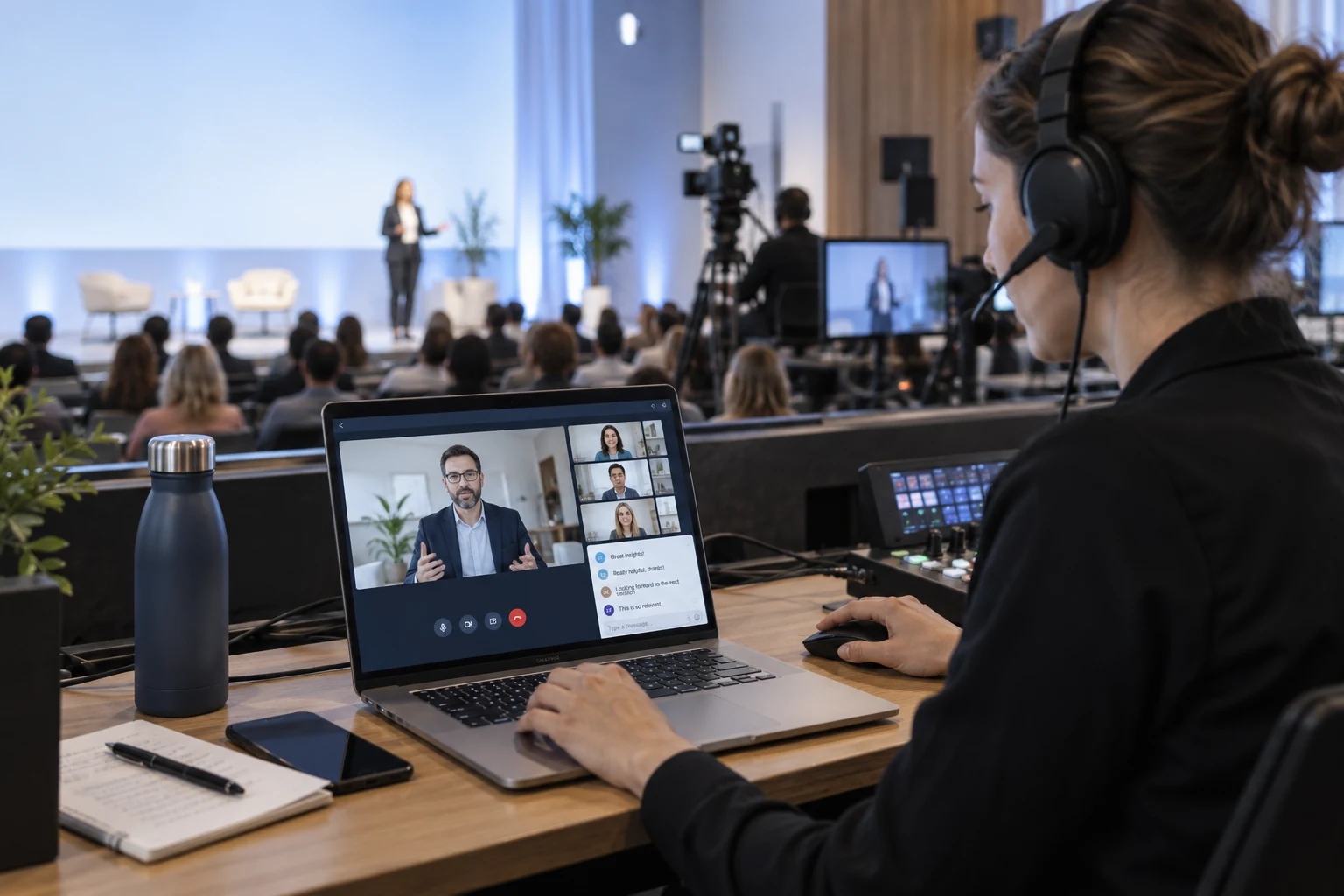
A COMMUNITY THAT STAYS CONNECTED

Build Church Live Streaming Software Around Your Community

Build church live streaming software into your website or app with Tencent RTC. Bring services to remote viewers with viewing controls and optional community conversation.

A PLACE TO JOIN FROM HOME

Stream Church Services to Remote Viewers

Build church live streaming software that brings your service to remote viewers. Give your community a familiar place to watch, whether they are at home or away.

A CLEAR WAY TO WATCH

Keep the Viewing Experience Simple.

Keep the viewing experience simple in your church live streaming software. Build a welcoming service player that helps people start watching quickly, with the camera view and text sized for their device.

CONVERSATION WHEN PEOPLE WANT IT

Let Viewers Choose How to Take Part.

Let viewers choose how to participate in your church live streaming software. Welcome those joining online without drawing attention away from the message.

HELPERS WHO CAN RESPOND

Give Community Moderators Useful Controls.

Connect church live streaming software to appropriate community moderation controls. Connect private pastoral requests to an appropriate separate channel in your church’s own workflow.

MADE FOR YOUR AUDIENCE

Use Cases for church live streaming software

Give each gathering a clear viewing experience, from Sunday worship to community outreach.

Sunday services

Welcome People Wherever They Are.

Share the sermon and service in your own website or app, with optional conversation for people watching from home.

RELATED CUSTOMER STORY

Bringing Gatherings Online with bravesoft

bravesoft’s eventos platform uses Tencent RTC and Tencent Cloud live broadcasting services to connect online and offline events. Its Easy Live feature lets organizers broadcast from a PC browser.

Related event case: accessible broadcasting and remote participation are also relevant to worship gatherings. The published deployment covers events.

Read the bravesoft story

CHOOSE WITH CONFIDENCE

Plan your church live streaming software integration

See what the live components provide and where your application connects.

Capabilities and implementation requirements
Your requirementHow it is deliveredWhat to plan for
Service viewingLive video components for your appTest devices, sound levels and camera framing with members of your community.
Public conversationLive chat and supported moderationMake chat optional. Private pastoral requests need a separate access-controlled workflow.
Schedules and remindersYour church calendar or CMSPublish service times and entry links through your own systems.
Sermon replaysOptional recording and replay servicesSet publishing permissions and verify rights for music and other content.
Giving and membershipYour church’s existing servicesConnect giving, member records and follow-up through your application.

FROM SETUP TO YOUR FIRST SESSION

Integrate church live streaming software

Start with the viewing experience, connect your service schedule and run a rehearsal with your community.

  1. 01

    Check the picture and sound

    Connect the Live UI Kit to your camera setup. Test the microphone mix as it sounds to an online viewer.

    iOS Live UI Kit guide
  2. 02

    Create a clear service entry

    Use your website or app to list service times and guide viewers into the correct live room.

    Explore room and viewer controls
  3. 03

    Rehearse the service flow

    Test scheduled entry, start and end states, and moderator responsibilities before inviting the full congregation.

    Connect your production feed

BUDGET BEFORE YOU BUILD

Church live streaming software Costs & Free Quota

Budget for your church live streaming software integration. Plan around service length, audience watch time and replay needs.

TEST THE LIVE COMPONENTS

Free$0 · 10,000 minutes monthly in the first year

Account-level quota for your first year; usage deduction rules apply. Live trial limits include 100 MAU and 100 viewers per room. Service pauses when trial resources run out.

Check Live trial terms

LIVE STARTER PLAN

$39.90 USD / first month · 93% off

50,000 package minutes and 1,000 MAU. First-month promotional price; review current eligibility and renewal terms. Additional products and services are priced separately.

View Starter offer

YOUR APPLICATION

Contact us

Include the Live plan, minutes and MAU, plus optional recording and replay delivery. Allow separately for cameras, audio production, website development and content permissions.

Contact us

SEE THE PRODUCT IN ACTION

A Live Experience Your Community Can Explore

TRY THE INTERACTION

Experience It from Both Sides.

Explore the broadcast view and public chat in the Live demo. Connect your service schedule, community access and replay workflow in your own implementation.

Explore Live demo

YOUR QUESTIONS, ANSWERED

Church live streaming software FAQs

Discuss your project

Is this church live streaming software a website builder?

Tencent RTC provides live video and interaction components for developers building a church website or app. Your team connects service schedules, member access, giving and other ministry workflows through your existing systems.

Can church live streaming software offer viewing without public chat?

Yes. Your application can make the chat panel optional and prioritize a simple viewing experience. Test the player, sound controls and text size on the phones and tablets your community actually uses.

Can church live streaming software use our cameras or OBS?

A compatible RTMP production feed can connect to a TRTC room. Check the capture requirements and rehearse the sound mix from a remote viewer’s perspective. Plan for any transcoding and other usage costs involved.

Can we provide sermon recordings?

Yes, with configured recording and a replay publishing workflow. Your church decides which sessions to publish, who can view them and how long they remain available. Recording, storage and delivery may be billed separately.

Does the streaming service include music permissions or donation processing?

No. Your church is responsible for the permissions needed to stream its content. Giving and payments connect through your own providers. Keep those workflows separate from the live communication service when planning the implementation.

How do I set up church live streaming software for a worship service?

Test the camera, venue uplink and speech or music audio before the service. Connect your access and participation controls to the supported host and viewer experience.

Can church live streaming software connect prayer requests and community chat?

Your app can combine the stream with supported audience interaction. Define moderation and privacy rules for personal requests, and keep pastoral follow-up in your community workflow.

YOUR AUDIENCE IS WAITING

Start Building with church live streaming software