








MADE FOR YOUR USERS
Language practice, live courses, hands-on workshops, and thoughtful feedback.
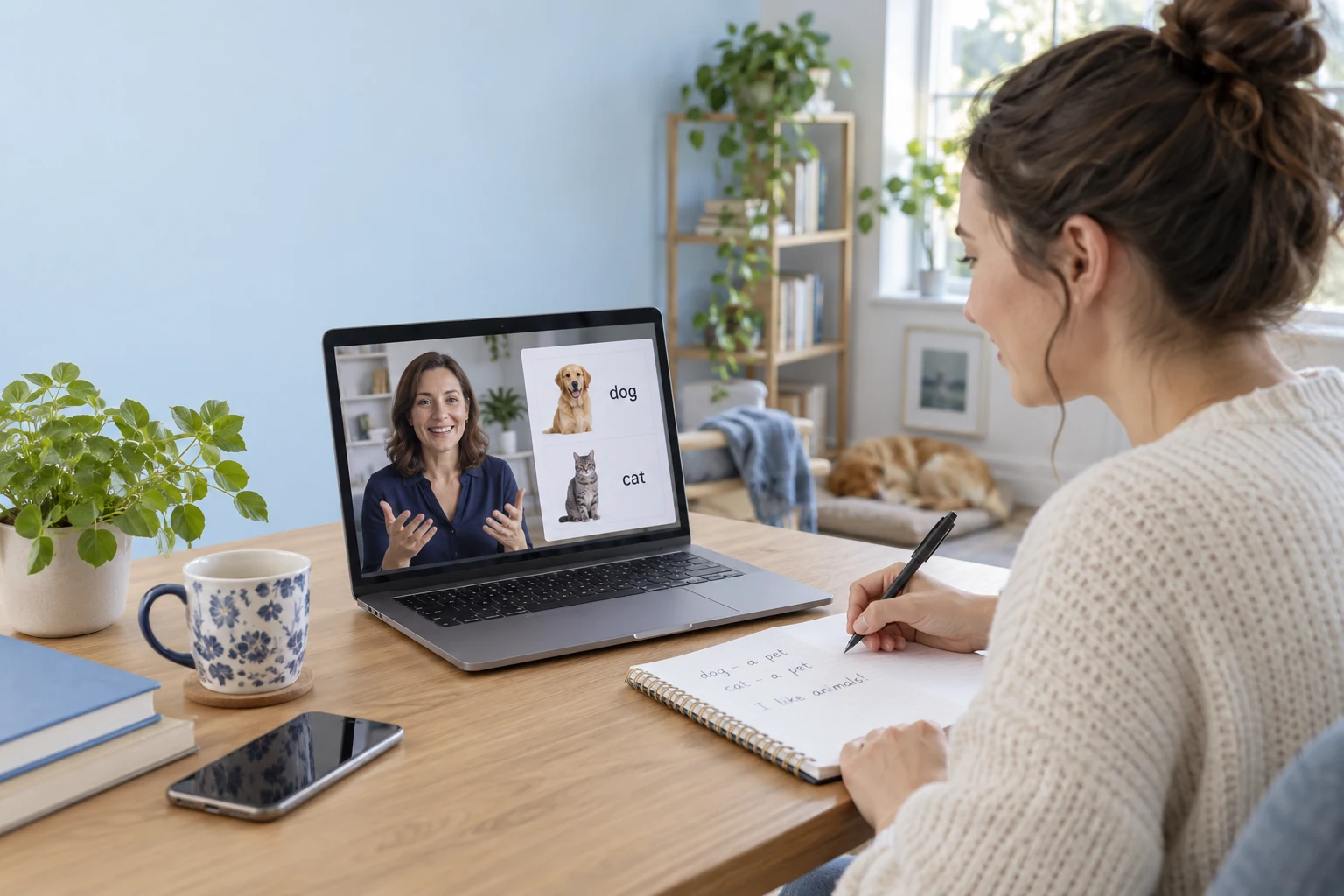
Language learning
Build a virtual classroom for language practice, with face-to-face conversation, shared prompts, and teacher-led turns.
Live courses
Combine a live explanation, shared course materials, and learner questions in your virtual classroom. Course enrollment stays in your learning platform.
Creative workshops
Let learners follow a practical demonstration, share their work, and discuss the next step in your virtual classroom.
Portfolio reviews
Share a portfolio from your own application and discuss it face to face. Your virtual classroom brings instructors and learners around the same work.
CHOOSE WITH CONFIDENCE
Connect Room capabilities to your learning platform.
| Your requirement | How it is delivered | What to plan for |
|---|---|---|
| Live video & screen sharing | Room audio, video, and screen-sharing capabilities. | Check support for your target platform. |
| Teacher controls & classroom chat | Microphone management, on-stage speaking, and in-room messaging. | Choose a Room plan with these features. |
| Lesson recording | Tencent RTC cloud recording integration. | Configure recording, storage, and playback; usage is billed separately. |
| Coursework & learning workflows | Connect your LMS, course materials, or whiteboard. | Enrollment, assessments, payments, and teaching tools belong to your application. |
THREE STEPS TO YOUR FIRST CLASS
Start with Room UI Kit, then connect it to your own learning experience.
BUDGET BEFORE YOU BUILD
Choose the Room plan and usage options that fit your classes.
ROOM FREE TRIAL
Try room creation, video and screen sharing. The first-year 10,000 monthly free minutes follow their own rules; check the current feature-trial duration in the console.
ROOM STARTER PLAN
Standard features, 50,000 package minutes, 1,000 MAU and up to 50 participants per room. Review Starter eligibility and optional media charges before purchase.
YOUR APPLICATION
Discuss your platforms, expected usage and feature requirements. Get help with licensing, optional services and a plan for your launch.
A virtual classroom is an online space where teachers and learners meet for live lessons. Video, shared content, and real-time discussion help people learn together from different locations.
Yes. Room UI Kit provides room interfaces you can integrate into your application. Connect your own accounts, course navigation, and teaching tools around the live session.
Room supplies the real-time communication layer. Integrate an LMS, whiteboard, assessments, or enrollment workflows separately to shape your learning experience.
Supported Room plans include microphone management and on-stage speaking. Confirm plan and platform support when designing participation rules.
Integrate cloud recording, then provide playback through your learning platform. Configure the recording layout and storage, obtain the permissions your application requires, and account for additional usage charges.
Authenticate teachers and learners, create the room and add supported video and screen sharing. Your learning platform controls class enrollment and access.
Your LMS owns course materials, assessment and progress. Associate room entry with an authorized lesson; review platform-specific APIs before implementing additional teaching tools.