







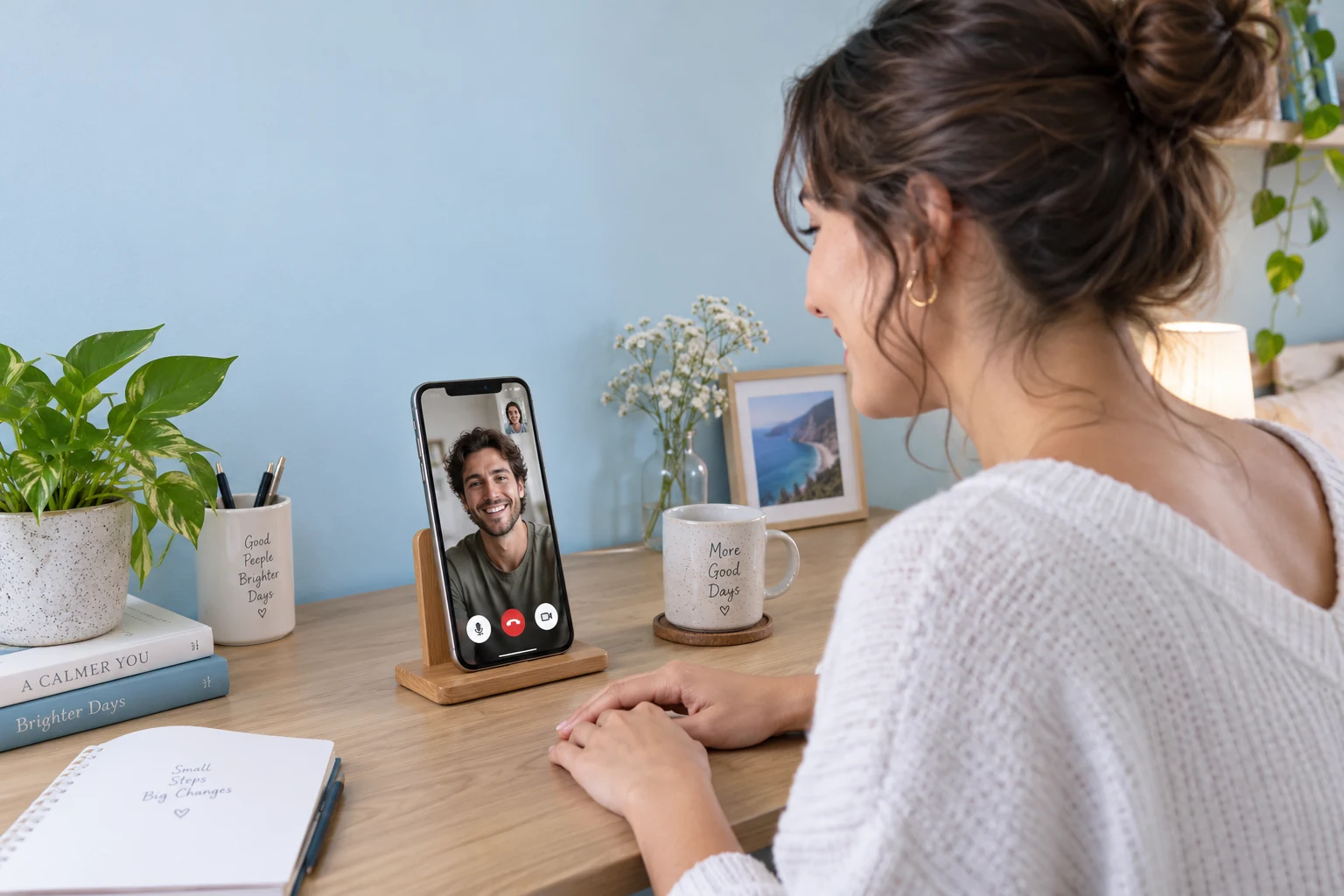

PERSONAL CAMERA CONTROLS
Connect your video calling API for dating apps to supported personal media controls. People can turn their own camera off or mute when they need a moment, while your application retains responsibility for blocking, reporting and safety responses.
MADE FOR YOUR USERS
Give people a choice in how they continue getting to know each other.
First video dates
Two matched adults choose a short video conversation inside the app. Each person controls whether to answer and when to end the call.
Long-distance matches
Matches in different places can speak directly through the dating app. Your product handles availability and any scheduling while Call connects the conversation.
Voice introductions
A match chooses a voice call when video does not suit the moment. The interface can show profile identity and familiar audio controls without requiring a camera view.
Follow-up calls
Users return to an existing match and call again when both are ready. Your matching and safety rules continue to control access to the calling action.
CUSTOMER SUCCESS STORY
CHOOSE WITH CONFIDENCE
Explore the Call capabilities and the application connections your experience needs.
| Your requirement | How it is delivered | What to plan for |
|---|---|---|
| Calling between matches | One-to-one audio and video calling | Matching, consent to contact and call eligibility are controlled by your application. |
| Recognizable incoming calls | Nickname, avatar and calling states | Populate profiles from your own approved user data and honor blocked relationships. |
| Comfort during a call | Camera, microphone and end-call controls | User reporting, blocking and incident response require your own safety workflow. |
| Softening a background | Supported background blur | Feature availability depends on platform, device capability and plan. |
| Notifications away from the app | Optional mobile offline push | Configure the relevant push provider and test device and operating-system conditions. |
THREE STEPS TO YOUR FIRST CALL
Connect your users to the video calling API for dating apps, then test outgoing calls, incoming invitations, and media controls.
BUDGET BEFORE YOU BUILD
Budget for your video calling API for dating apps integration. Choose the calling features you need, then estimate the people and minutes using them.
CALL FREE TRIAL
Try Call with the feature trial and 100 MAU. Monthly free minutes and the feature trial have separate eligibility and deduction rules.
CALL STARTER PLAN
Group Call features, 50,000 package minutes and 1,000 MAU. Review Starter eligibility before purchase; the discount covers the first month.
YOUR APPLICATION
Discuss your platforms, expected usage and feature requirements. Get help with licensing, optional services and a plan for your launch.
Yes. Map your app accounts to Call users and add the calling interface where matched people interact. Your backend controls matching and who may call whom. Use the integration guide for your target platform and validate the complete incoming-call flow.
In-app Call integration connects application users through user IDs. A phone-number exchange is not required by that calling flow. Your app still controls what profile information is collected, displayed or shared and how account identity is verified.
The calling experience supports incoming-call actions and ending a conversation. Make those controls clear in your app. Blocking a match, reporting behavior and restricting future contact are application policies that you must connect to the calling entry point.
Call supplies communication features. Your product needs its own matching rules, reporting, blocking, moderation and incident response. Background blur and camera controls can improve user control, but they do not verify a person or replace your safety processes.
Feature coverage varies by platform, SDK version, device and plan. Background effects require supported configurations, while mobile offline notifications need push integration. Review the relevant documents and test the devices and app states your users will encounter.
Your application verifies the match and starts a documented call invitation. Include accept, decline, block and end-call controls; the dating backend owns relationship eligibility.
Request camera and microphone access at the appropriate moment, show the caller clearly and let either participant end the call. Connect reports to your own safety workflow.