





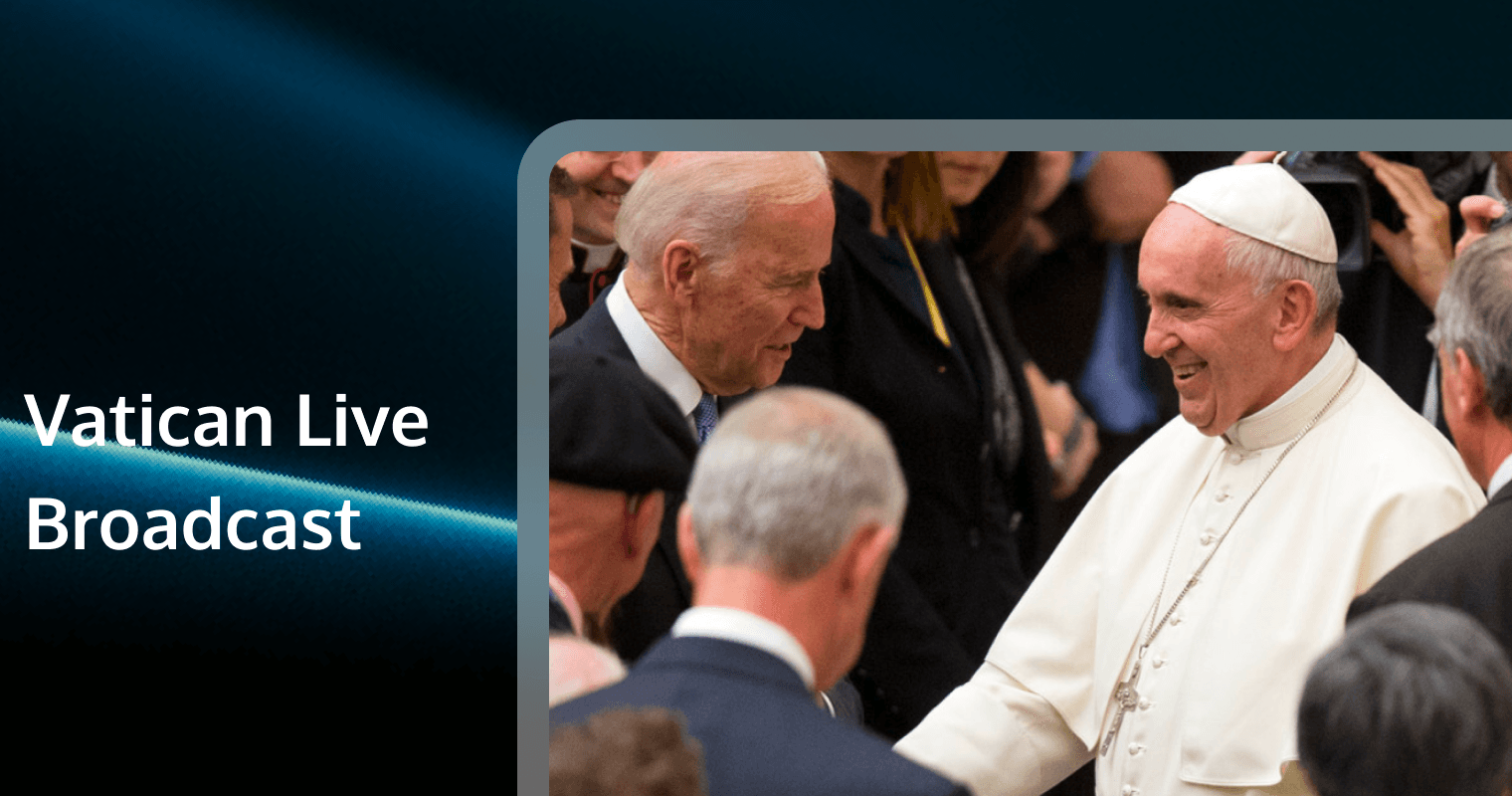
In an era where digital connectivity bridges physical distances, the spiritual need to connect with the heart of the Catholic Church has never been more accessible. For millions of the faithful, the Vatican live broadcast is more than just a video stream; it is a lifeline to the Holy See, offering a sense of communion with Pope Francis and the universal Church from anywhere in the world.
Whether you are homebound, traveling, or living in a region with limited access to Catholic services, understanding how to reliably access Vatican broadcasts is essential. This comprehensive guide will walk you through the official channels, technical setups, schedules, and troubleshooting tips to ensure you never miss a moment of the Angelus, General Audience, or Holy Mass.
The Digital Vatican: Understanding Official Broadcast Channels
To ensure you are watching the authentic, high-definition feed directly from St. Peter's Square, it is crucial to distinguish between official sources and third-party re-streamers. The Vatican has invested heavily in Vatican Media (formerly CTV), providing broadcast-quality feeds to the world.
1. Vatican News (The Primary Source)
Vatican News is the information system of the Holy See. It is the most reliable source for live streams.
● Website: The portal offers live streaming in over 30 languages. The video player is embedded directly on the homepage during major events.
● YouTube Channel: The "Vatican News" YouTube channel is arguably the best platform for most users. It offers DVR capabilities (you can rewind live video), 1080p HD quality, and reliable server stability.
2. Vatican Media Live (The Raw Feed)
While Vatican News adds commentary, Vatican Media Live often provides the "clean" feed. This is ideal for broadcasters or parishes wishing to project the Mass without news tickers or watermarks. This channel often broadcasts 24/7, showing views of St. Peter's Square when no event is occurring.
3. The Pope App & Click To Pray
For mobile-first users, the Holy See has developed specific applications:
● The Pope App: Offers news, official speeches, and live webcam alerts.
● Click To Pray: The Pope's official prayer app, which often links to live events during monthly prayer intentions.
Expert Tip: Always subscribe to the Vatican News English YouTube channel and click the "Bell" icon. This ensures you receive a push notification exactly when the Vatican live broadcast begins, accounting for any last-minute schedule changes.
The Papal Calendar: When to Tune In
Understanding the Vatican's rhythm is key to catching events live. Rome operates on Central European Time (CET/CEST). If you are in New York (EST), you are typically 6 hours behind. If you are in London (GMT), you are 1 hour behind.
Weekly Recurring Events
● The Angelus (Sundays, 12:00 PM Rome Time):
* What it is: The Pope appears at the window of the Apostolic Palace to pray the Angelus with the faithful in the square.
* Duration: Approx. 15-20 minutes.
* Best for: A quick weekly spiritual connection.
● General Audience (Wednesdays, 9:00 AM Rome Time):
* What it is: A catechesis (teaching) session held in St. Peter's Square or the Paul VI Audience Hall.
* Duration: 60-90 minutes.
* Best for: Deep diving into the Pope's teachings and seeing pilgrims from around the world.
● Daily Morning Mass (Casa Santa Marta):
Note*: While Pope Francis famously live-streamed his daily masses during the pandemic, these are not always broadcast publicly in normal times. Check the daily schedule on Vatican News to confirm.
Major Liturgical Highlights
● Urbi et Orbi (Christmas & Easter): The "City and the World" blessing. This is the most-watched Vatican event globally.
● Midnight Mass (Christmas Eve): Usually broadcast at 9:30 PM Rome Time (not actually midnight).
● Good Friday / Way of the Cross: A dramatic and moving procession, often held at the Colosseum.
How to Watch on Any Device: A Technical Setup Guide
Watching a Vatican live broadcast shouldn't be a technical struggle. Here is how to optimize your viewing experience across different hardware.
Desktop & Laptop (Windows/Mac)
● Browser: Use Chrome or Firefox for the best compatibility with YouTube's codecs.
● Bandwidth: For 1080p HD, you need a stable connection of at least 5 Mbps.
● Ad-Blockers: Disable ad-blockers on Vatican News sites to prevent the video player from failing to load.
Mobile & Tablet (iOS/Android)
● App vs. Browser: The YouTube App is superior to watching via a mobile browser. It handles buffering better and allows for background audio play (if you have Premium).
● Data Usage: A one-hour 1080p stream can consume up to 1.5GB of data. Use Wi-Fi whenever possible.
Smart TVs (Roku, Apple TV, Fire Stick)
Watching the Mass on a large screen creates a more immersive, chapel-like atmosphere in your living room.
● Method 1 (Casting): Open the broadcast on your phone and tap the "Cast" icon to send it to your TV. This is the easiest method.
● Method 2 (Native Apps):
* Roku: Search for the "EWTN" or "CatholicTV" channels, which re-broadcast the Vatican feed.
* Apple TV: Use the YouTube app and search "Vatican News Live".
Spiritual Communion and Virtual Participation Guidelines
Watching Mass online is valid for the sick or those physically unable to attend, but how do you participate reverently?
Creating a Sacred Space
Don't just watch it like a Netflix show.
1. Prepare the Room: Light a candle or place a crucifix near the screen.
2. Dress Appropriately: changing out of pajamas helps shift your mindset to prayer.
3. Participate: Stand, kneel, and respond "Amen" out loud, just as you would in a church.
The Act of Spiritual Communion
Since you cannot receive the Eucharist physically through a screen, recite the Act of Spiritual Communion prayer during the distribution of communion:
> "My Jesus, I believe that You are present in the Most Holy Sacrament. I love You above all things, and I desire to receive You into my soul. Since I cannot at this moment receive You sacramentally, come at least spiritually into my heart..."
Troubleshooting Common Streaming Issues
Even with divine intervention, technology can fail. Here is how to fix common issues during a Vatican live broadcast.
1. The Video is Buffering or Freezing
● Cause: Network congestion or weak Wi-Fi signal.
● Fix: Lower the video quality from 1080p to 720p or 480p via the "Settings" gear icon on the player. This significantly reduces bandwidth strain without making the audio unintelligible.
2. Audio is Out of Sync
● Cause: Browser latency or Bluetooth delay.
● Fix: Refresh the page. If using Bluetooth speakers, try switching to wired headphones. On YouTube, you can jump to "Live" by clicking the red dot to resync with the server.
3. "The Stream Has Not Started Yet"
● Cause: Time zone confusion.
● Fix: Use a tool like "World Time Buddy" to double-check Rome time vs. your local time. Remember, the Vatican is strict with punctuality; if the screen is black, you are likely too early or too late.
Accessibility: Multi-Language and Sign Language
The Vatican strives to be universal.
● Audio Commentary: Feeds are usually split by language (English, Spanish, Italian, French, German, Portuguese). Do not watch the "Original Sound" feed if you want English commentary; look for the video titled "LIVE - English".
● Sign Language (LIS): Vatican News has recently introduced a dedicated channel or picture-in-picture option for Italian Sign Language (LIS) and sometimes American Sign Language (ASL) during major events like Easter.
● Subtitles: YouTube's auto-generated captions are often inaccurate for liturgical Latin. Rely on the commentator's voice-over instead.
Making it Communal: Watch Parties and Virtual Parishes
One of the biggest challenges of online worship is the feeling of isolation. However, modern technology allows us to restore the community aspect.
Hosting a "Watch Party"
Families spread across different cities can watch the Pope together.
● Zoom/Skype: You can share your screen, but the frame rate is often poor, and audio desyncs.
● Teleparty: Ideal for synchronizing the YouTube stream so everyone sees the Pope at the exact same second.
The Virtual Parish Model
Many dioceses are now building custom web portals where parishioners can log in, watch the Vatican feed, and engage in a moderated Chat on the side to share prayer requests or the "Sign of Peace" digitally. This requires robust real-time technology.
Enhancing Religious Broadcasting with Real-Time Communication
For developers, religious organizations, and media outlets building the next generation of spiritual apps, simply embedding a video player is no longer enough. To truly replicate the experience of gathering, you need Real-Time Communication (RTC).
Integrating Tencent RTC can transform a passive Vatican live broadcast viewer into an active participant in a global community.
Why Tencent RTC for Faith-Based Apps?
1. Ultra-Low Latency: When reciting prayers in unison (e.g., The Lord's Prayer), latency kills the experience. Tencent RTC's Live Streaming capabilities ensure that the video feed and the user's voice sync within milliseconds, allowing for a natural, harmonious response.
2. Scalable Voice Chat Rooms: Imagine a "Virtual Lobby" after Mass. Using Tencent RTC's Voice Chat Room SDK, developers can create spaces where thousands of users can mingle, discuss the homily, or pray the Rosary together without server crashes.
3. High-Quality Video Calls: For smaller prayer groups or Bible study circles watching the General Audience, Tencent RTC Video Call offers crystal-clear HD video, even in low-bandwidth regions, ensuring that every facial expression and gesture of comfort is seen.
4. Moderated Chat Integration: The Chat (IM) solution allows for the implementation of text interaction that is secure and moderate-able—essential for maintaining the sanctity and safety of a religious digital environment.
By leveraging Tencent RTC, Catholic media organizations can move beyond static broadcasting and create a "Digital Basilica" where the faithful don't just watch—they connect.
Frequently Asked Questions
1. Can I watch the Vatican live broadcast with my family in another country without audio lag?
Yes, but standard video conferencing tools often struggle with sync. If you use a platform built with Tencent RTC, the ultra-low latency ensures that when you see the Pope raise his hand, your family sees it at the exact same moment, allowing you to pray in unison.
2. Is there a way to chat with other viewers during the Mass?
Yes, platforms like YouTube offer basic chat, but it can be chaotic. Dedicated religious apps often use Tencent RTC's Chat SDK to provide a safe, moderated environment where you can share prayer intentions or the "Sign of Peace" textually without spam.
3. Why does the video quality drop when I try to video call my grandma while watching?
This is usually a bandwidth issue. However, applications using Tencent RTC are optimized for packet loss resistance. This means you can maintain a high-quality Video Call with your grandmother while simultaneously streaming the Mass, even on less-than-perfect internet connections.
4. Can our parish build an app to rebroadcast the Pope to our specific community?
Absolutely. You can use Tencent RTC's Live Streaming API to ingest the official feed (with permission) and broadcast it to your app users. This allows you to add your own parish priest's commentary or local announcements before the main event.
5. What if I want to host a Rosary group audio chat after the broadcast?
The best solution is to use a Voice Chat Room feature. Powered by Tencent RTC, this allows a moderator (like a deacon) to speak to a large room of listeners, invite people up to "speak" (lead a decade of the Rosary), and manage the flow of the prayer group seamlessly.