






Free live chat sounds great until you start using it. Some free plans are genuinely useful. Others are designed to frustrate you into upgrading within weeks.
This article provides an honest assessment of what free live chat plans actually include, what you miss by not paying, and whether the limitations matter for your business.
The Reality of Free Live Chat Plans
Most chat widget companies offer a free plan because it is an effective customer acquisition strategy. They give you enough functionality to become dependent on the tool, then restrict the features you need to grow.
Here is what “free” typically means across the market:
The Good: What Most Free Plans Include
Feature | Included on Free Plans? | Notes |
Live chat widget | Yes | Core functionality on all free plans |
Basic customization | Yes | Colors, position, welcome message |
Offline contact form | Usually | Most tools include this |
Proactive messaging | Usually | Most tools allow basic proactive messages |
Agent dashboard | Yes | All tools provide a dashboard for agents |
Email notifications | Yes | Most tools notify you of new chats via email |
Mobile app | Usually | Most tools have iOS/Android apps |
The Bad: What Most Free Plans Restrict
Feature | Free Plan Status | Impact |
Branding badge | Usually required | “Powered by [Tool]” on your website |
Conversation limits | Often restricted | 50-100 chats/month on many plans |
Agent seats | Often limited | 1-2 agents on most free plans |
Chat history | Often limited | 7-30 days on most free plans |
File sharing | Sometimes restricted | Some tools block file uploads |
Chatbot automation | Rarely included | Usually a paid feature |
CRM integration | Never included | Always a paid feature |
Advanced analytics | Never included | Always a paid feature |
Custom branding | Rarely included | Usually requires paid plan |
The Ugly: Hidden Limitations
Some limitations are not immediately obvious:
● Data portability – Most free plans do not let you export your chat data, making it hard to switch tools later
● API access – Free plans rarely include API access, so you cannot build custom integrations
● Support – Free plan users typically get community support only, not priority help
● Rate limiting – Some free plans throttle the number of messages per conversation
● Widget performance – Some tools serve a heavier script on free plans (with additional branding assets)
Tool-by-Tool: What You Get vs What You Miss
Knocket
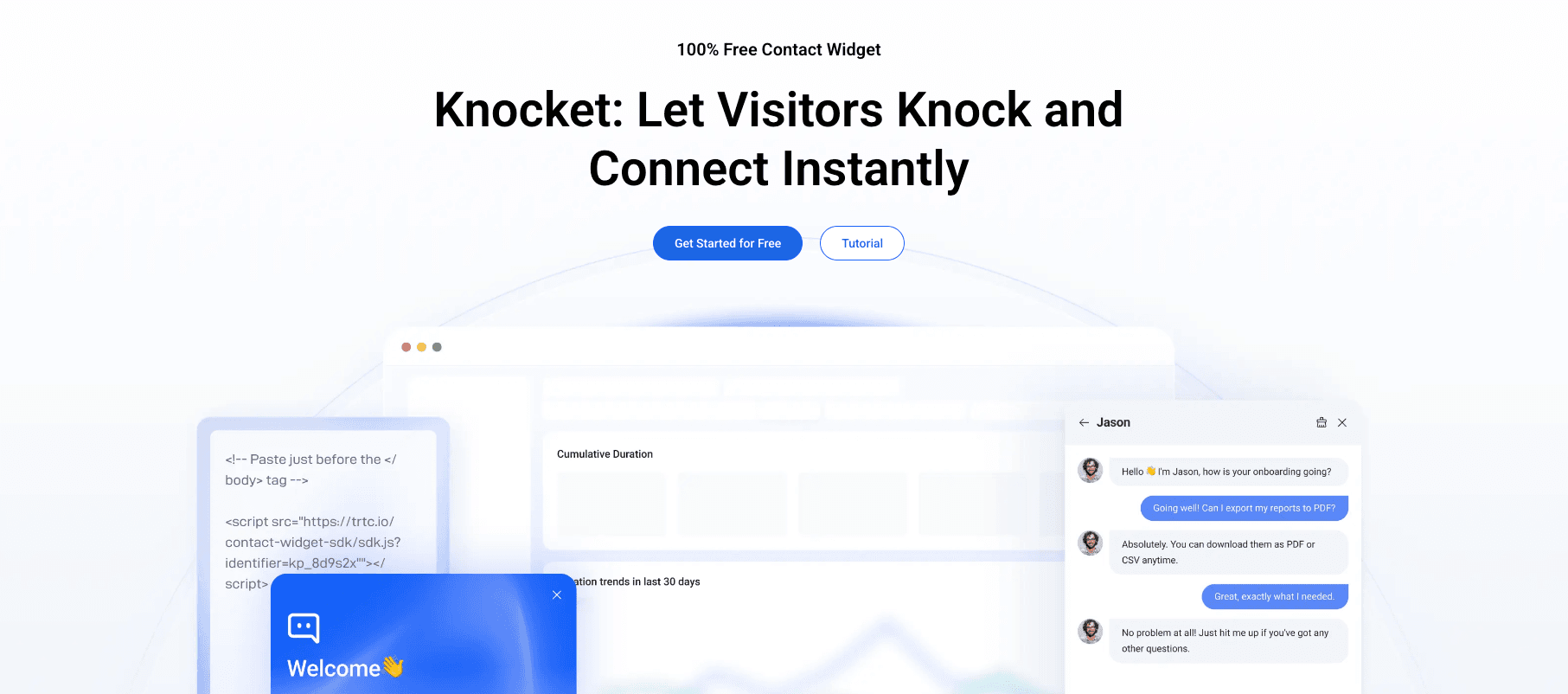
What you get (free):
● Unlimited live chat conversations
● No branding badge (your widget looks professional)
● Unlimited agent seats
● Offline contact form
● Social link aggregation (WhatsApp, Instagram, Telegram, Messenger)
● Calendly meeting scheduling
● Proactive welcome messages
● Business hours configuration
● Full brand customization (colors, logo, theme)
● Lightweight script (~45KB)
● SSL encryption and GDPR compliance
What you miss:
● AI chatbot automation (not available on any plan)
● Ticket management system (not available)
● CRM integrations (not available)
● Advanced analytics (limited on free plan)
Assessment: Knocket’s free plan is the most generous on the market. There are no artificial limitations on conversations, agents, or branding. The only things you “miss” are features that Knocket does not offer at all (AI chatbot, ticketing, CRM), rather than features that are locked behind a paywall.
Tawk.to
What you get (free):
● Unlimited conversations
● Unlimited agent seats
● Real-time visitor monitoring
● Ticketing system
● Screen sharing and file transfer
● Mobile apps
What you miss:
● Branding removal (“Powered by Tawk.to” cannot be removed on free plan)
● A lightweight script (749KB is the heaviest on the market)
● Social link aggregation (not available on any plan)
● Calendly integration (not available on any plan)
Assessment: Tawk.to’s free plan is feature-rich but has two significant drawbacks: mandatory branding and a heavy script. For businesses where professionalism and page speed matter, these limitations are hard to ignore.
Tidio
What you get (free):
● 50 conversations per month
● Basic chatbot functionality
● Visitor list
● Shopify and WordPress integrations
What you miss:
● Lyro AI chatbot (paid plans only, from $29/month)
● Branding removal (paid plans only)
● More than 50 conversations per month
● Advanced chatbot builder
● Product recommendations in chat
Assessment: 50 conversations per month is very limiting. According to Tidio’s own data, approximately 15% of website visitors will engage with a chat widget. This means 50 conversations covers roughly 333 monthly visitors before you must upgrade.
Crisp
What you get (free):
● Live chat widget
● 2 agent seats
● Shared inbox (chat + email + social)
● 30 days of chat history
What you miss:
● Crisp branding on your widget
● More than 2 agents ($25/month for unlimited)
● Chat history beyond 30 days
● Advanced chatbot builder
● CRM features
Assessment: The 2-agent limit and 30-day history are the main constraints. If you are a solo operator or a 2-person team, the free plan is workable. But the lack of chat history beyond 30 days means you cannot reference past conversations.
Which Limitations Actually Matter?
Not all limitations affect every business equally. Here is a breakdown of which limitations matter most based on your situation:
Branding: Matters for Most Businesses
A “Powered by Tawk.to” badge on your website tells visitors that you are using a free tool. For personal brands, consultants, and premium service providers, this undermines the professional image you are trying to build.
Verdict: If credibility matters for your business, choose a no-branding tool like Knocket or pay to remove branding on another tool.
Conversation Limits: Matters for Growing Businesses
If you have 1,000+ monthly visitors and a 5% chat engagement rate, you will exceed Tidio’s 50-conversation limit in the first week of the month. After that, visitors who try to chat will either get no response or be told you have reached your limit.
Verdict: If you expect more than 50 chats per month, choose a tool with no conversation limits (Knocket or Tawk.to).
Agent Seat Limits: Matters for Teams
If you have 3+ people who need to monitor chat, tools that limit free plans to 1-2 agents (Crisp, Smartsupp) will not work. You will need to either upgrade to a paid plan or share login credentials (which creates security and accountability issues).
Verdict: If you have 3+ team members, choose a tool with unlimited agent seats (Knocket or Tawk.to).
Chat History: Matters for Customer Relationships
If you need to reference past conversations (for returning customers, ongoing support cases, or sales follow-ups), tools that limit chat history to 7-30 days will force you to manually save important conversations before they disappear.
Verdict: If you have repeat customers or long sales cycles, ensure your free plan offers adequate chat history retention.
AI Chatbot: Matters for High-Volume Businesses
If you receive 30+ chats per day and a large percentage are repetitive questions, an AI chatbot can handle 60-80% of them automatically, freeing your team to focus on complex inquiries. However, AI chatbot features are almost never available on free plans.
Verdict: If you need AI chatbot automation, you will need to pay. Tidio’s Lyro AI (from $29/month) is the most affordable option.
The One Free Plan That Has No Major Limitations
Among all the free chat widget plans analyzed, Knocket is the only one that does not impose significant limitations:
● No branding badge
● No conversation limits
● No agent seat limits
● No chat history time limits
● Includes social link aggregation
● Includes Calendly scheduling
● Includes offline forms
● Lightweight script (~45KB)
The only features Knocket does not offer (AI chatbot, ticketing, CRM integration) are not locked behind a paywall – they are simply not part of Knocket’s feature set. If you need those features, you would choose a different tool entirely, not upgrade within Knocket.
FAQ
Is free live chat really free?
Mostly yes, but with caveats. Tools like Knocket and Tawk.to offer genuinely free plans with no monthly costs. However, many other “free” plans include branding badges, conversation limits, or agent seat restrictions that effectively push you toward a paid plan.
What is the biggest limitation of free live chat?
The most common and impactful limitation is branding. Most free chat widgets display “Powered by [Tool]” on your website, which looks unprofessional. Knocket is the only free widget with no branding.
Can I use free live chat for a real business?
Absolutely. Millions of businesses use free chat widgets. The key is choosing a tool whose limitations do not conflict with your business needs. If you need no branding and social links, Knocket works. If you need visitor monitoring and ticketing, Tawk.to works.
Will I eventually need to pay for live chat?
Not necessarily. If your needs are covered by a free tool’s feature set, there is no reason to upgrade. Many businesses use free chat widgets indefinitely. You only need to pay when you need a specific feature that is not available for free (AI chatbot, CRM integration, advanced analytics).
Which free chat widget has the fewest limitations?
Knocket has the fewest limitations among free chat widgets. It offers unlimited conversations, unlimited agents, no branding, social link aggregation, Calendly scheduling, and offline forms at zero cost. The only features it does not offer (AI chatbot, ticketing, CRM) are not available at any price point on Knocket – they are simply not part of the product.