






Best Free Live Chat vs Paid -- When Free Is Enough and When to Upgrade in 2026

The live chat market has a clear split: free tools that cover the basics and paid tools that add automation, CRM integration, and advanced analytics. But the line between “free is enough” and “you need to pay” is not always obvious.
This guide provides a framework for deciding whether a free chat tool meets your needs or whether it is time to invest in a paid solution. It is based on real data about chat usage patterns, pricing models, and the point at which free tools start to cost you more than they save.
What Free Live Chat Tools Actually Provide
Free chat tools have improved significantly. In 2026, the best free plans include:
Feature | Available on Free Plans? | Which Tools |
Live chat with visitors | Yes | All free tools |
Offline contact form | Yes | Knocket, Tawk.to, Tidio, Crisp |
No branding badge | Yes (rare) | Knocket only |
Social link aggregation | Yes (rare) | Knocket only |
Calendly meeting scheduling | Yes (rare) | Knocket only |
Proactive welcome messages | Yes | Most tools |
Brand customization | Yes | Knocket, Tawk.to (limited) |
Visitor monitoring | Yes | Tawk.to, Crisp |
Ticket management | Yes | Tawk.to, Crisp |
AI chatbot | No | None on free plans (Tidio limits) |
CRM integration | No | None on free plans |
Advanced analytics | No | None on free plans |
Session recording | No | None on free plans |
The reality: For most small businesses, the free features cover 80-90% of what they actually need from a chat widget. The paid features that matter (AI chatbot, CRM integration, advanced analytics) only become necessary at specific business stages.
What Paid Live Chat Tools Add
When you pay for a chat tool, you are typically paying for one or more of these capabilities:
1. AI Chatbot Automation ($29-100+/month)
AI chatbots handle routine questions without human intervention. According to Smartsupp’s data, websites using chatbots resolve 89.2% of inquiries, compared to 71.2% for websites without bots.
When you need it: When you receive more than 30-50 chat conversations per day and a significant portion are repetitive (order status, pricing, hours, shipping). If you can categorize 60%+ of your chats into 10 common questions, an AI chatbot can handle them automatically.
When you do not need it: If you receive fewer than 10 chats per day, or if your chats are mostly complex conversations that require human judgment (consulting, custom quotes, technical support).
2. CRM Integration ($20-100+/month)
CRM integration connects chat conversations to your customer database, sales pipeline, and marketing automation.
When you need it: When you have a formal sales process that requires tracking every interaction, when you use marketing automation (HubSpot, Salesforce) to nurture leads, or when you need to attribute revenue to specific chat conversations.
When you do not need it: If you are a small business that manages customer relationships informally, or if you do not use a CRM system.
3. Advanced Analytics ($20-60+/month)
Advanced analytics provide data on chat volume, response times, agent performance, customer satisfaction trends, and conversion attribution.
When you need it: When you manage a support team of 5+ people and need to track individual agent performance, when you need to prove chat ROI to stakeholders, or when you are optimizing your chat strategy based on data.
When you do not need it: If you are a solo operator or small team and can assess chat effectiveness anecdotally.
4. Custom Chatbot Flows ($25-100+/month)
Custom chatbot builders let you create branching conversation flows that qualify leads, route inquiries, and collect information before connecting to a human agent.
When you need it: When you have distinct customer segments (B2B vs B2C, different product lines, different support tiers) that need different chat experiences.
When you do not need it: If your customer base is relatively homogeneous and your chat conversations are straightforward.
The Upgrade Decision Framework
Use this framework to determine whether you should stick with a free tool or upgrade to a paid one.
Stage 1: Starting Out (0-500 monthly visitors)
Free is enough. At this stage, you are validating your business, testing your product-market fit, and building your initial audience. A free chat widget like Knocket gives you live chat, offline forms, social links, and meeting scheduling at zero cost. You do not need AI automation or CRM integration because your chat volume is low enough to handle manually.
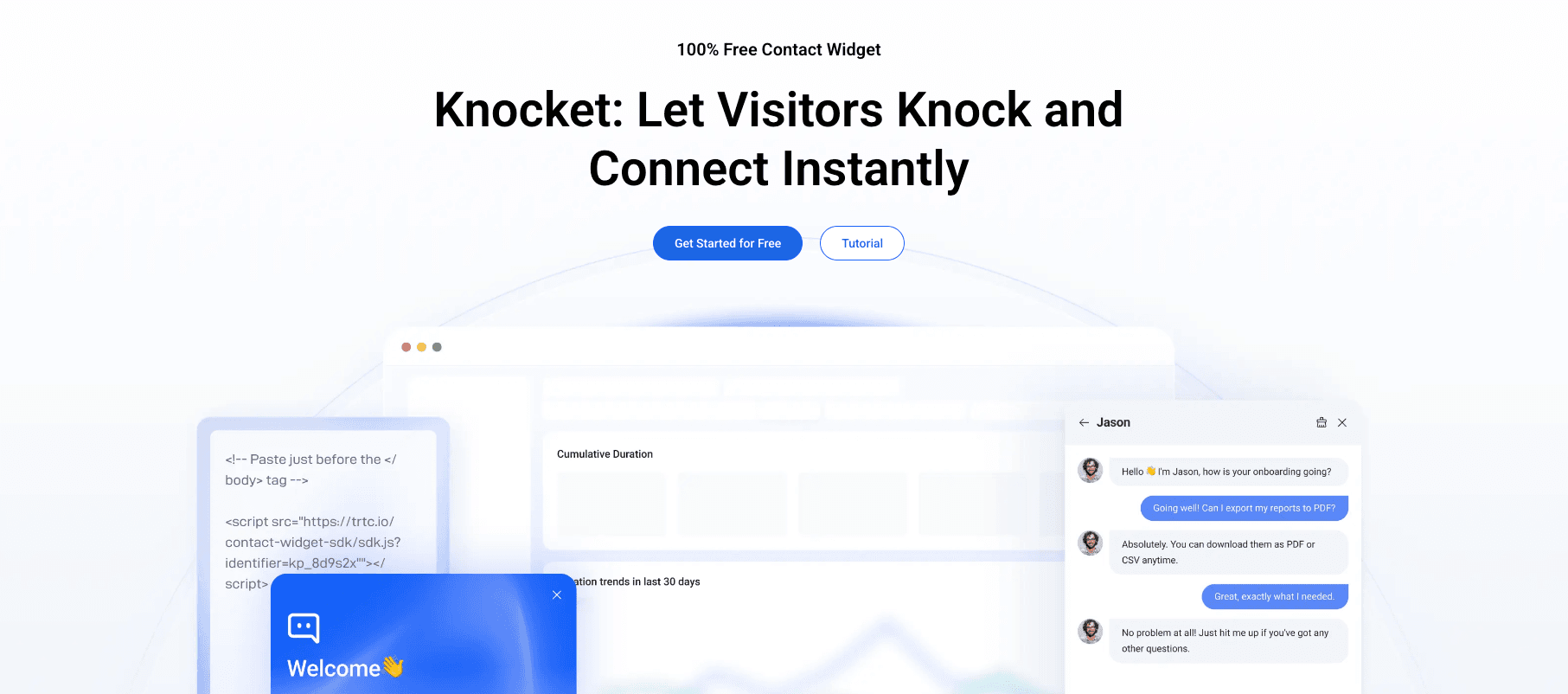
Recommended tool: Knocket (free, no branding, full features).
Stage 2: Growing (500-5,000 monthly visitors)
Free is still enough, with one possible exception. At this stage, chat volume increases. You might receive 5-20 chats per day, which is manageable for 1-2 people. The key is efficiency: use canned responses, configure business hours, and leverage social links for after-hours inquiries.
The one exception: if your chats are dominated by the same 5-10 questions (“What are your hours?”, “How much does shipping cost?”, “Do you have this in size M?”), an AI chatbot could save you 1-2 hours per day. Tidio’s Lyro AI chatbot (from $29/month) is the most affordable option.
Recommended tool: Knocket (free) or Knocket + Tidio (if AI automation is needed).
Stage 3: Scaling (5,000-25,000 monthly visitors)
You might need a paid tool. At this stage, chat volume is significant. You might receive 20-100+ chats per day, which requires dedicated staff or AI automation. You also need analytics to measure chat ROI and optimize your strategy.
Paid features that become valuable:
● AI chatbot automation (to handle 60-80% of routine questions)
● Advanced analytics (to track conversion attribution)
● CRM integration (to connect chat leads to your sales pipeline)
Recommended tool: Tidio (for AI automation), Crisp (for shared inbox + CRM), or Intercom (for full customer engagement).
Stage 4: Established (25,000+ monthly visitors)
Paid tools are necessary. At this stage, you have a dedicated support team, formal SLAs, and need enterprise-grade features like advanced routing, custom reporting, and multi-brand support.
Recommended tool: Zendesk (for helpdesk + chat), Intercom (for customer engagement), or Salesforce Service Cloud (for CRM + service).
The Hidden Costs of Staying Free Too Long
Just as there are hidden costs in paid tools (per-seat pricing that scales unexpectedly), there are hidden costs in staying on a free tool past its useful life.
Cost 1: Time Spent on Repetitive Responses
If you spend 2 hours per day answering the same questions that an AI chatbot could handle, the “free” tool is costing you $40-60/day in labor (at $20-30/hour). A $29/month Tidio subscription would pay for itself in less than one day.
Cost 2: Missed After-Hours Leads
If your free tool does not have adequate offline capabilities (social links, Calendly scheduling, detailed contact forms), you are losing leads during the 30-40% of traffic that occurs outside your business hours.
Cost 3: Inability to Prove Chat ROI
Without analytics, you cannot measure whether your chat widget is actually driving conversions. This makes it hard to justify investing more time (or money) in chat, which can lead to neglecting it altogether.
Cost 4: Branding That Hurts Credibility
If your free tool displays “Powered by Tawk.to” on your website, it signals to visitors that you are using a free tool. For businesses where credibility and professionalism are important (consulting, legal, healthcare), this can cost you more in lost trust than you save on tool costs.
The Cost-Benefit Analysis
Here is a simplified cost-benefit analysis for a small business with 2,000 monthly visitors:
Scenario | Tool Cost | Time Cost | Leads Captured | Net ROI |
No chat widget | $0 | $0 | 0 (lost leads) | Negative |
Free tool (Knocket) | $0 | 1 hr/day | ~10-20/month | Strongly positive |
Paid AI tool (Tidio) | $29/month | 0.5 hr/day | ~15-25/month | Positive (if volume justifies) |
Premium tool (Intercom) | $39+/month | 0.5 hr/day | ~15-25/month | Marginal for small volume |
For a business at this stage, the free tool (Knocket) provides the best ROI. The paid AI tool (Tidio) might be justified if the 0.5 hour/day time savings is worth $29/month to you. The premium tool (Intercom) is overkill.
FAQ
Is free live chat good enough for my business?
For most small businesses (under 5,000 monthly visitors), yes. A free tool like Knocket provides live chat, offline forms, social links, and meeting scheduling – which covers 80-90% of what you need. Upgrade when free tools start costing you time or leads.
When should I upgrade from free to paid live chat?
Upgrade when: (1) you receive 30+ chats per day with repetitive questions that AI could handle, (2) you need CRM integration to track chat-influenced revenue, (3) you manage a team of 5+ people and need advanced analytics and routing, or (4) your free tool’s limitations (branding, conversation limits, feature restrictions) are costing you customers.
Can a free chat tool grow with my business?
Yes, to a point. Knocket’s free plan scales with your business – there are no conversation or agent limits. However, if you need AI automation or CRM integration as you grow, you will need to either add a paid tool alongside Knocket or switch to a tool that includes those features.
What is the most affordable paid live chat tool?
Crisp Pro ($25/month, unlimited seats) and Tidio (from $29/month with AI chatbot) are the most affordable paid options. For most small businesses, the jump from free to paid is most justified when you need AI chatbot automation to reduce the time you spend on repetitive questions.
How do I calculate the ROI of upgrading to paid live chat?
Calculate: (time saved per day × your hourly rate × 30 days) + (additional leads from AI/chatbot × lead value). If this exceeds the monthly cost of the paid tool, the upgrade has positive ROI. For example: if Tidio saves you 1 hour/day ($25/day at $25/hour) and captures 5 additional leads/month ($50/lead value = $250), the monthly benefit is $750 + $250 = $1,000 against a cost of $29/month.