
Search
Component Overview
Search is a complete search solution with a full set of components, including search bar, result display, advanced search, and other features. It is suitable for user, group, and message search in instant messaging, online meeting, and online education scenarios.
Note:
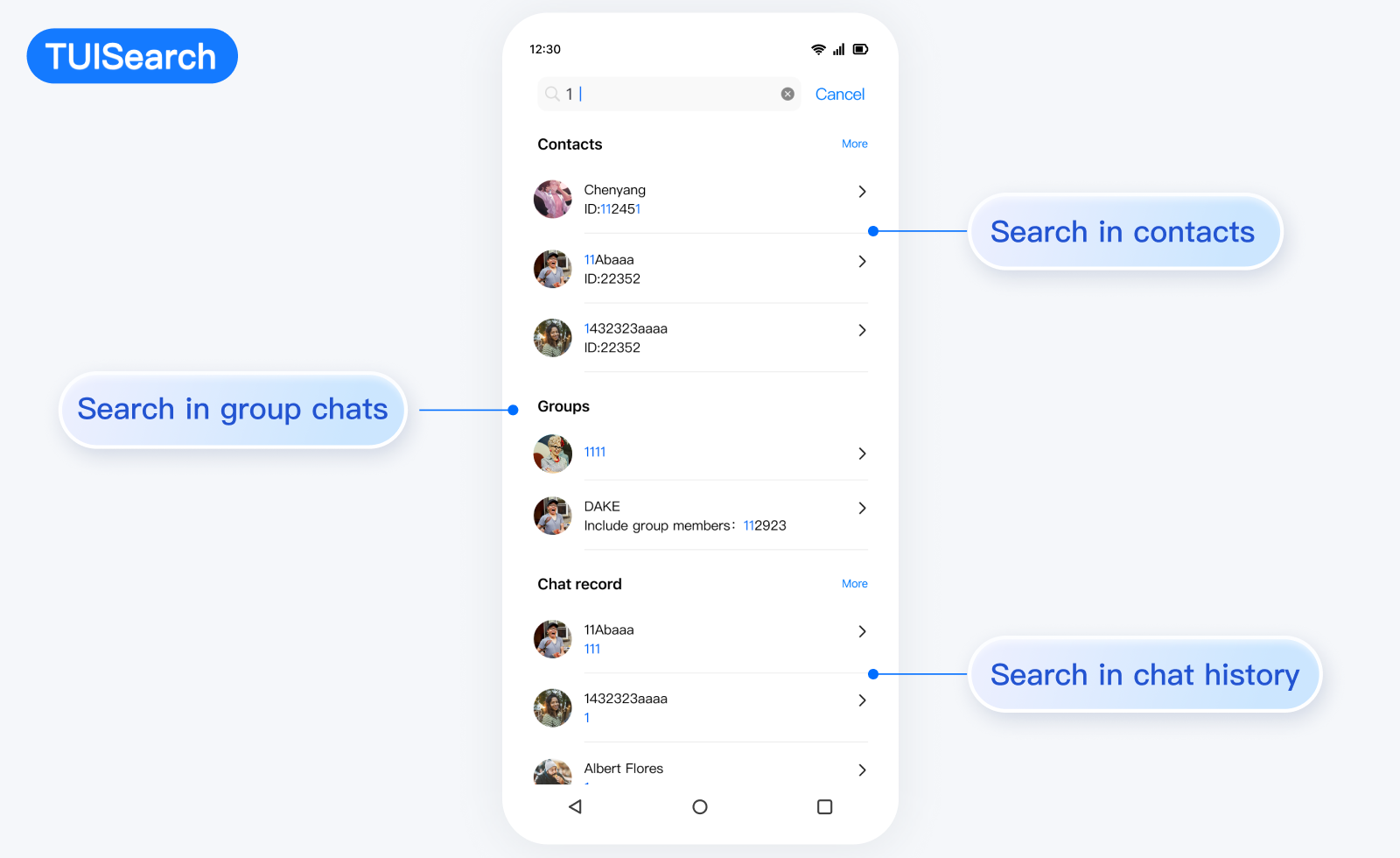
Search Mode
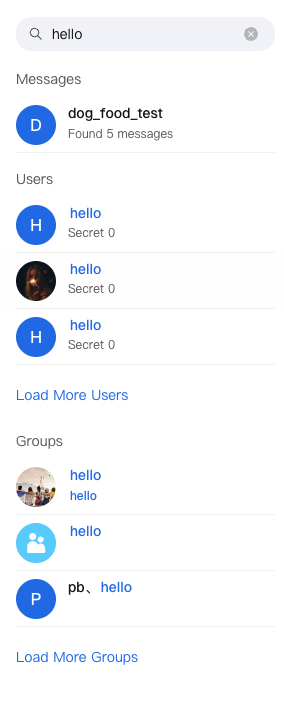
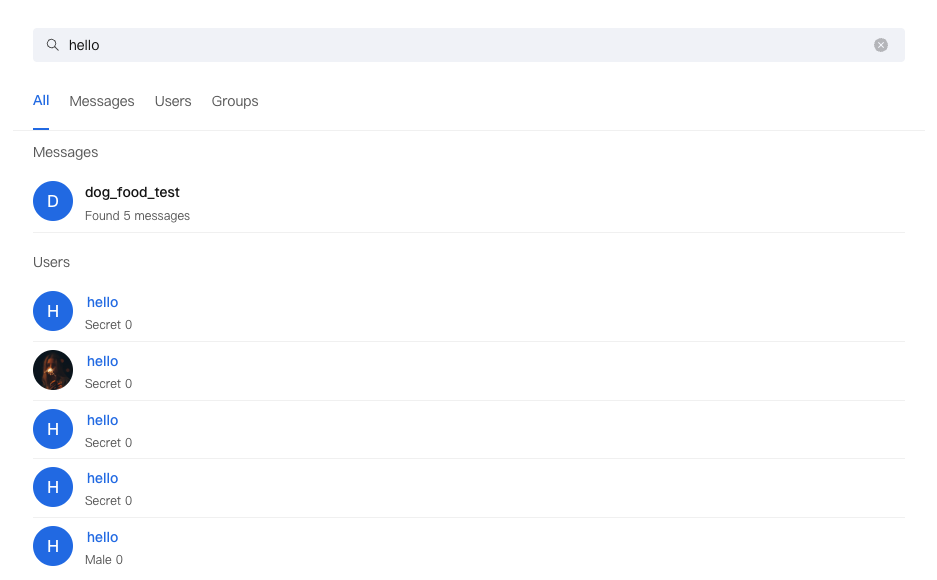
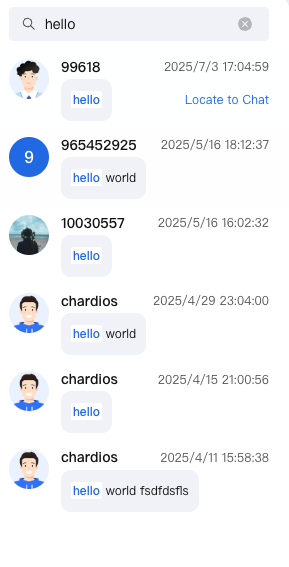
Mini Mode | Standard Mode | Embedded Mode |
Suitable for sidebar or small container Display finite number of results Support expand to view more | Suitable for full-screen search UI Feature demonstration Advanced Search Support | Suitable for chat UI Focus on message search Optimized layout |
 |  |  |
Props
Attribute Name | Type | Default Value | Description |
variant | VariantType | VariantType.MINI | Search mode: mini, standard, embedded |
className | string | - | Custom style class name |
style | React.CSSProperties | - | custom style |
onKeywordChange | (keyword: string) => void | - | search keyword change callback |
onResultItemClick | (result: object) => void | - | search result click callback |
Basic Usage
import { Search, VariantType } from '@tencentcloud/chat-uikit-react';function App() {return (<Search variant={VariantType.MINI} />);}
FAQs
How to Customize the Search Result Display Format
A: The search component does not support customization; however, you can use SearchStore to implement your own search component.